

Wallet
With the wallet, each buyer has a balance in the store. They top it up through the payment gateway, buy with it, and the money from cancelled orders returns to it. You can see balances, add or deduct manually, and review withdrawal requests.
Where is it? Farin → Wallet
This section has four tabs: “Buyers”, “Transactions”, “Withdrawal requests” and “Settings”. Amounts are in the site's currency; in the pictures it is Toman.
Buyers
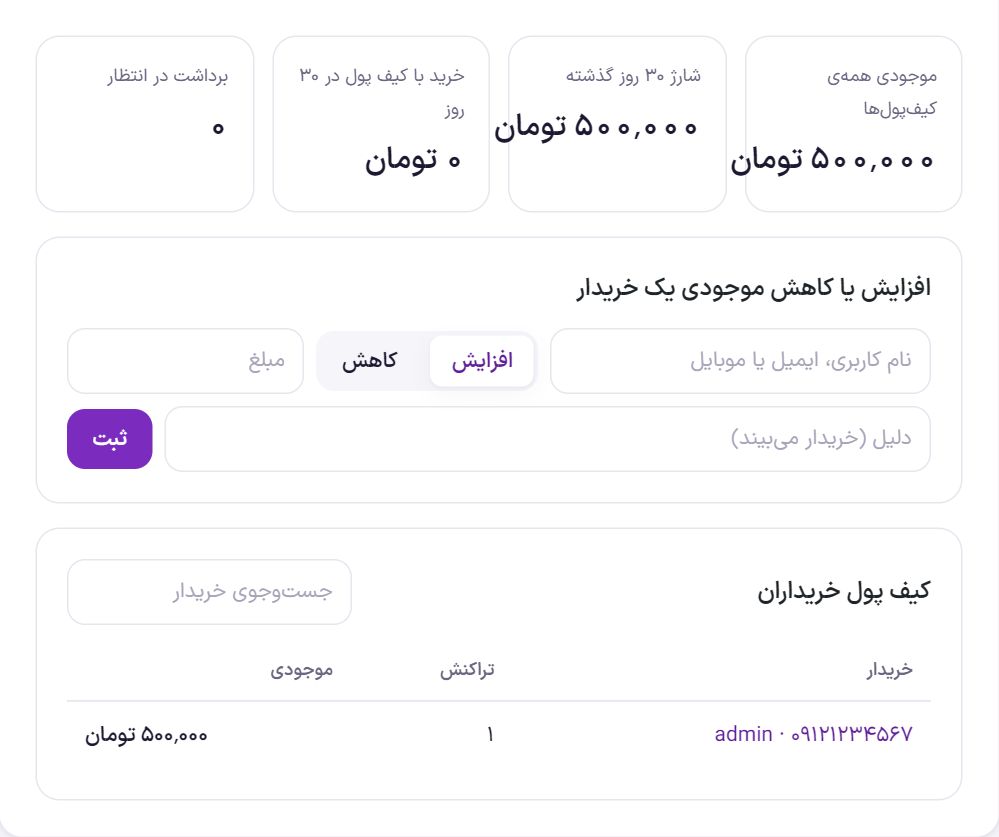
The counters: “Balance of all wallets” (money you are holding), “Top-ups in the last 30 days”, “Wallet purchases in 30 days” and “Pending withdrawals”.
Increase or decrease a buyer's balance
- Find the buyer. Enter their username, email or mobile.
- Choose “Increase” or “Decrease” and enter the amount.
- Enter the reason. A reason is required and the buyer sees it in their wallet history; for example “Compensation for delay in shipping order 1234”.
- Click “Record”. The balance updates immediately.
The “Buyer wallets” table shows each buyer, their transaction count and balance. Use “Search buyer” to find one person. Click a buyer's name to open that person's transaction list.
Transactions
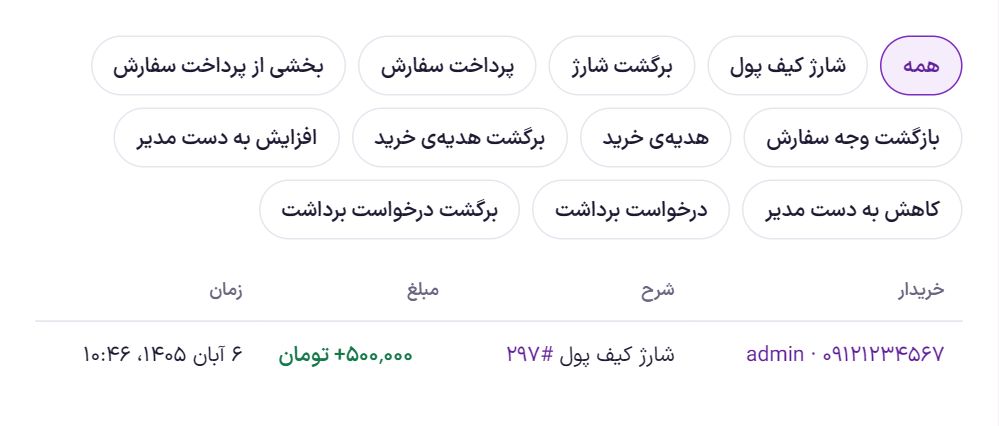
All money movements are recorded here and can be separated with the buttons at the top: wallet top-up, top-up reversal, order payment, partial order payment, order refund, purchase reward, purchase reward reversal, admin increase, admin decrease, withdrawal request and withdrawal request reversal.
Each movement has a unique ID, so a payment or a refund is never counted twice.
Withdrawal requests
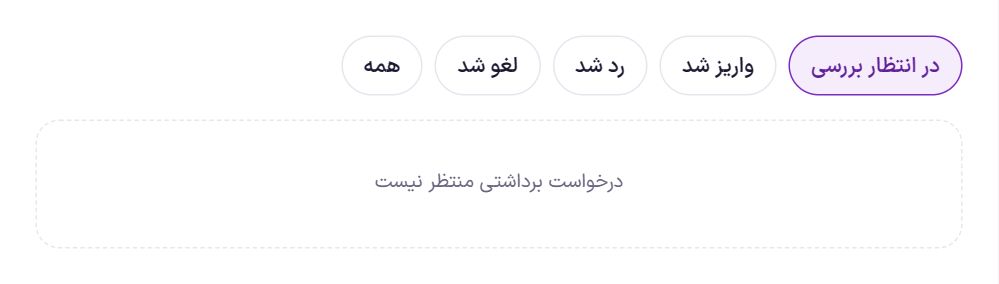
When “Withdrawal” is on in settings, the buyer requests an amount in their account panel to be paid to their IBAN or card. The amount is deducted from their wallet at once. Each buyer can have only one pending request at a time, and until it is reviewed they can cancel it themselves.
Each row shows the buyer, the account (IBAN or card, and the account holder's name), the fee and the “Payout amount”. “Copy number” copies the account number for your banking app.
- Send the payout amount to the buyer's account yourself. Farin does not move any money.
- Write in the “Reference number or reason” field. For a payout, the bank's reference number; for a rejection, the reason.
- Click “Paid” or “Reject”. With “Reject”, the amount returns to the buyer's wallet.
Settings
Settings has five boxes and saves instantly.
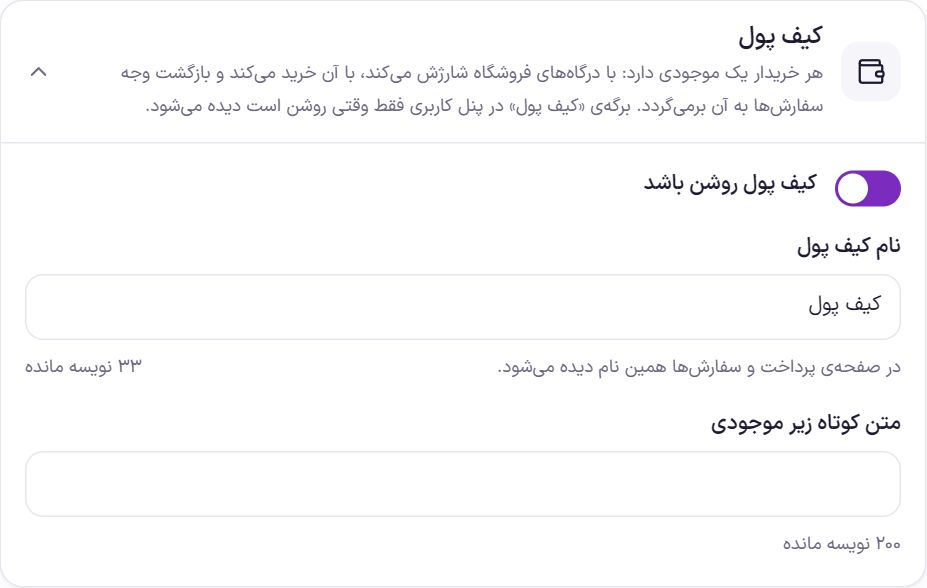
Wallet
| Option | What it does | Default |
|---|---|---|
| Wallet on | Turns the whole wallet on and off. | On |
| Wallet name | This name appears at checkout and in orders. Up to 40 characters. | Wallet |
| Short text under the balance | A sentence under the balance in the account panel, up to 200 characters. | Empty |
Pay with wallet
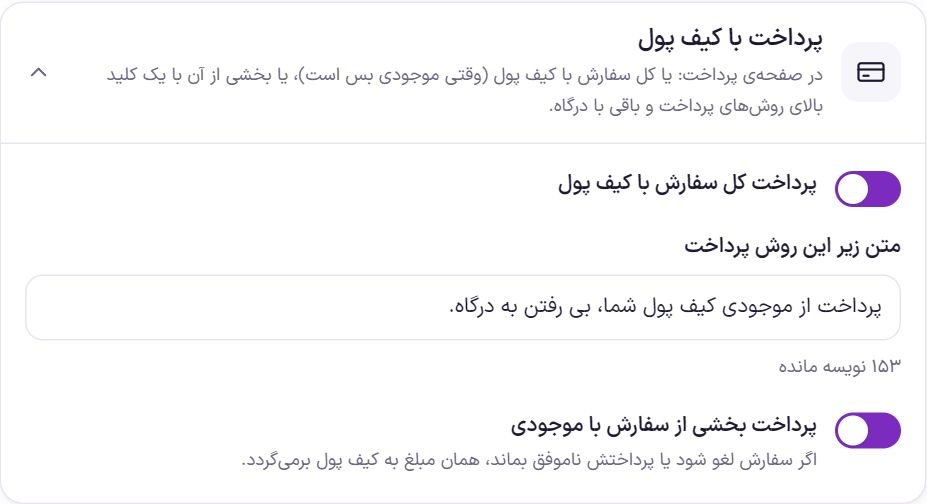
| Option | What it does | Default |
|---|---|---|
| Pay the whole order with the wallet | The wallet becomes a payment method at checkout when the balance covers the whole order. | On |
| Text under this payment method | The description under this method at checkout. | Pay from your wallet balance, without going to the payment gateway. |
| Pay part of an order with the balance | A toggle appears above the payment methods: the balance is deducted from the order amount and the rest is paid through the payment gateway. If the order is cancelled or its payment fails, that amount returns to the wallet. | On |
If an order paid with the wallet is cancelled or refunded, even partially, its money returns to the buyer's wallet.
Wallet top-up
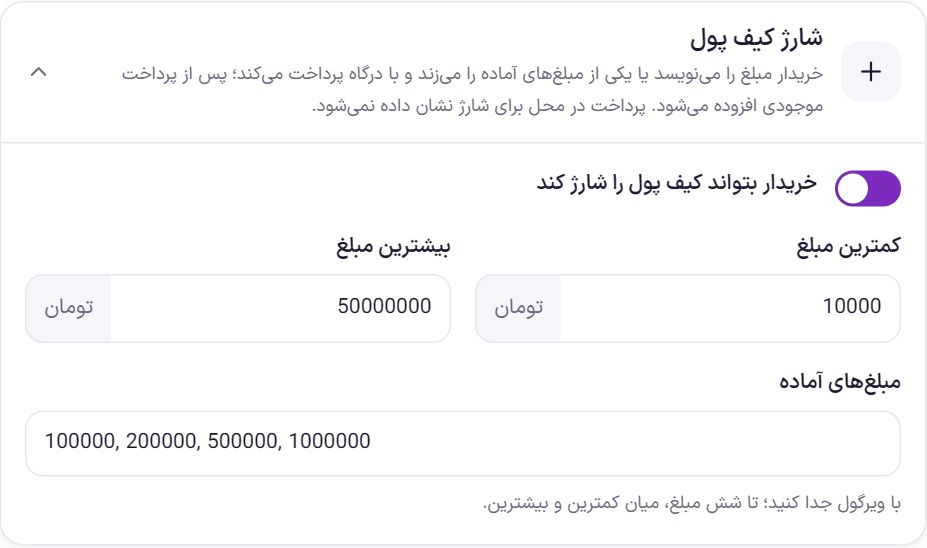
| Option | What it does | Default |
|---|---|---|
| Let the buyer top up the wallet | The top-up form in the account panel. The buyer enters an amount or taps a preset amount and pays through the payment gateway. After payment, the balance is added. | On |
| Minimum amount | The minimum amount per top-up. | 10,000 |
| Maximum amount | The maximum amount per top-up. | 50,000,000 |
| Preset amounts | Separate with commas; up to six amounts, between the minimum and maximum. | 100,000, 200,000, 500,000, 1,000,000 |
Purchase reward
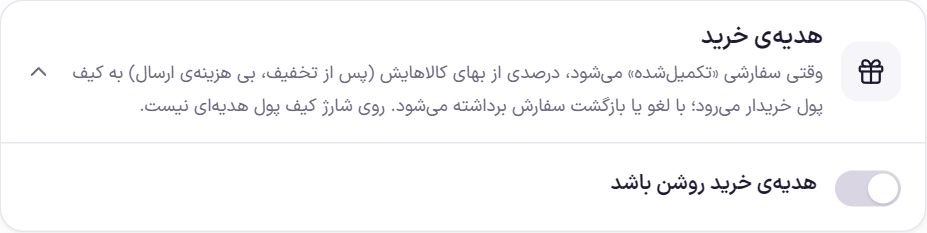
When an order becomes “Completed”, a percentage of the price of its items (after discount, excluding shipping) goes to the buyer's wallet. When an order is cancelled or refunded, the reward is taken back, and when part of an order is refunded, the reward is reduced in the same proportion. Wallet top-ups earn no reward.
| Option | What it does | Default |
|---|---|---|
| Purchase reward on | Turns the reward on and off. | Off |
| Percentage | What percent of the item price is given as a reward. | 2% |
| Maximum reward | The reward cap per order. 0 means no cap. | 200,000 |
| Minimum purchase | Orders below this amount receive no reward. | 0 |
Example: with 2% and a cap of 200,000 Toman, an order of 3,000,000 Toman gets a 60,000 Toman reward, and an order of 20,000,000 Toman gets the 200,000 Toman cap.
Wallet withdrawal
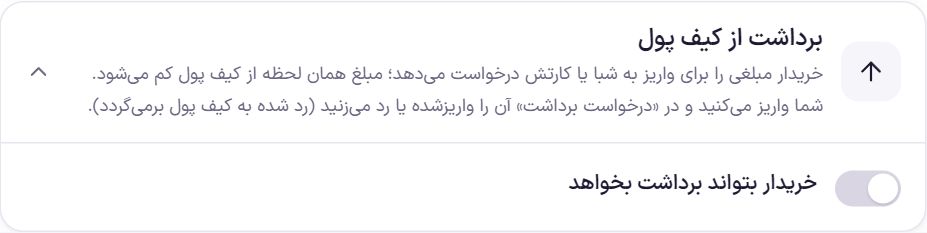
| Option | What it does | Default |
|---|---|---|
| Let the buyer request a withdrawal | The withdrawal request form in the account panel. | Off |
| Payout to IBAN | The buyer can provide an IBAN (IR and 24 digits). | On |
| Payout to card | The buyer can provide a 16-digit card number. | On |
| Minimum withdrawal amount | Requests below this are not accepted. | 100,000 |
| Fee | A percentage deducted from the payout amount. 0 means no fee. | 0% |
| Guide text | Text the buyer sees next to the withdrawal form. | Requests are reviewed on business days and paid into your account. |
Frequently Asked Questions
I cancelled an order that was paid through the payment gateway. Does its money go to the wallet?
Not automatically. Only the part that was paid with the wallet returns. If you want to give the gateway payment to the wallet as well, record it from the “Buyers” tab with “Increase” and a clear reason.
The buyer does not see the top-up form.
Check “Wallet on” and “Let the buyer top up the wallet”, and make sure at least one online payment gateway is on.
I added an amount to someone's wallet by mistake.
Deduct the same amount with “Decrease” and the reason “Correction of a mistaken entry”. Transaction rows are never deleted; both rows remain.
Farin Theme · 1405