

Installing the Theme
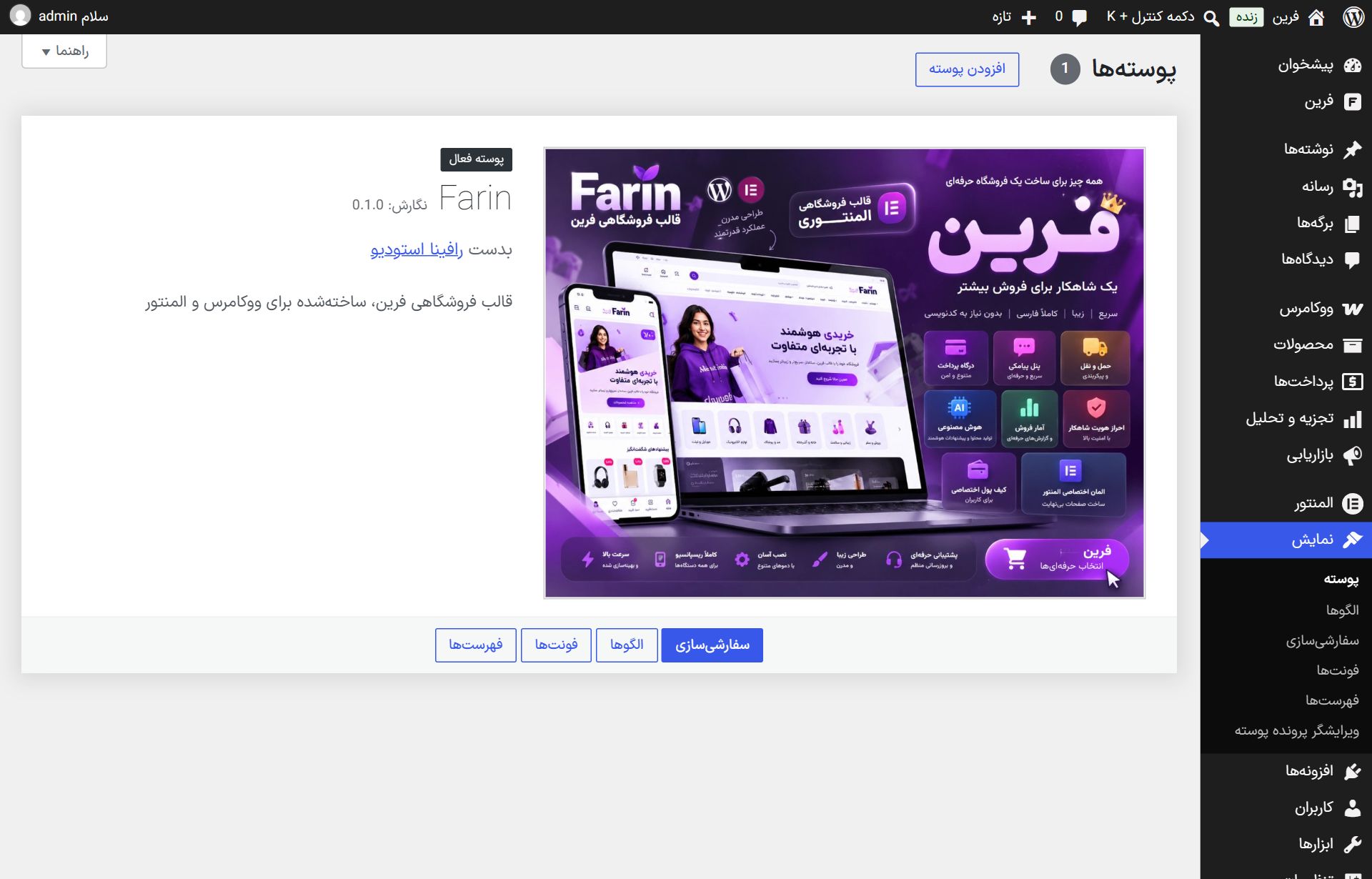
Farin is installed from the “Appearance” section like any WordPress theme. It takes a few minutes: upload and activate the theme file, install the two free plugins WooCommerce and Elementor, and the Farin panel is ready.
Where is it? WordPress dashboard → Appearance → Themes
Before installing
| Requirement | Minimum version |
|---|---|
| WordPress | 6.5 or newer |
| PHP on the host | 8.1 or newer (8.1 to 8.4 tested) |
| WooCommerce | Free version, latest |
| Elementor | Free version; Elementor Pro is not needed |
farin.zip itself, not the full download package.Uploading and activating the theme
- Go to Themes. In the WordPress dashboard, open “Appearance” from the side menu and then “Themes”.
- Press “Add Themes”. The button is at the top of the page.
- Press “Upload Theme”. The file selection box opens;
farin.zipselect it and press “Install Now”. - Activate the theme. After installing, press the “Activate” link.
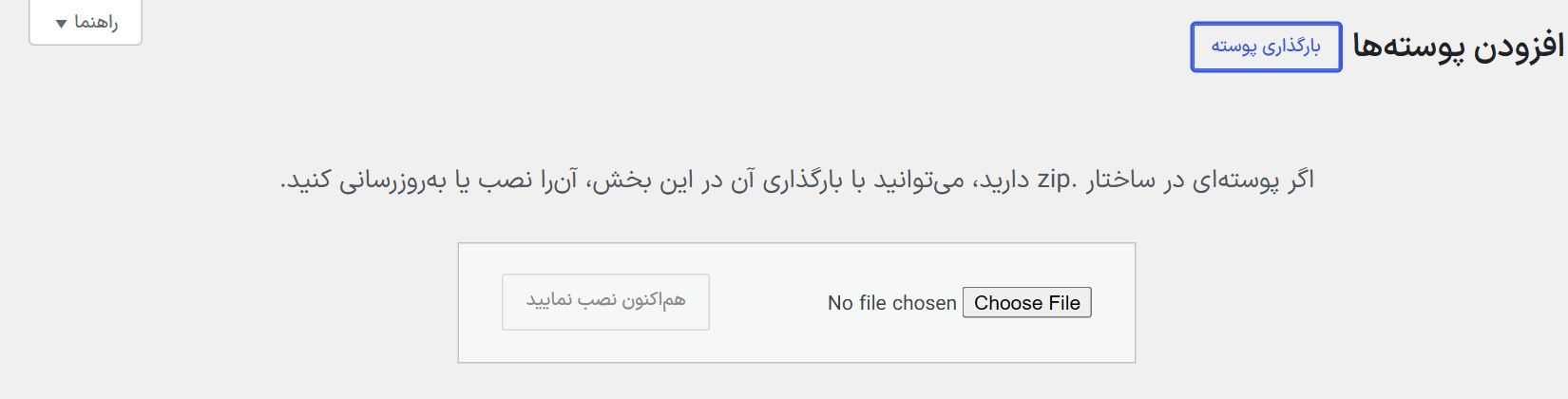
upload_max_filesize to at least 64 MB, or place the farin folder, using the host's file manager, in wp-content/themes and activate it from this same page.Installing WooCommerce and Elementor
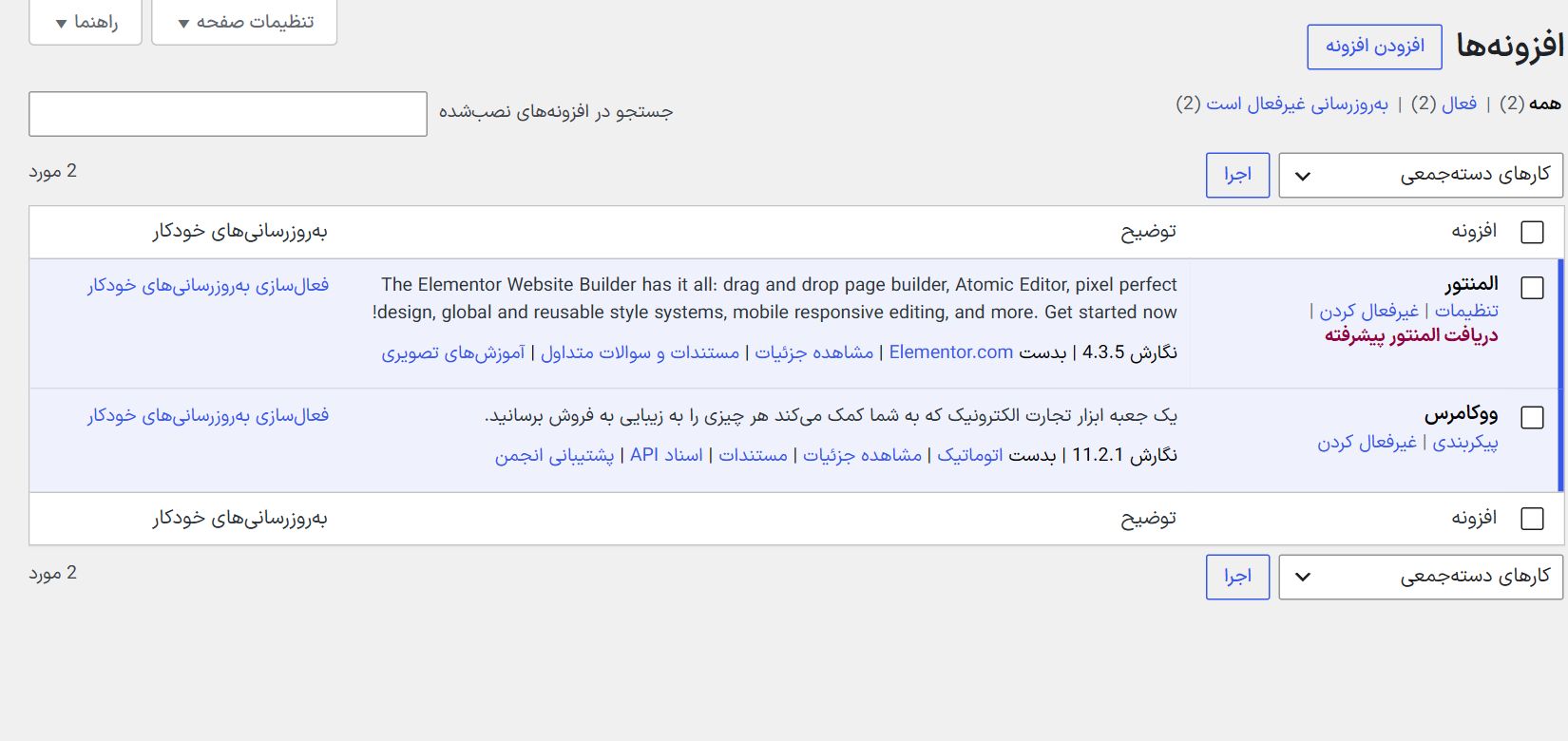
The shop runs on WooCommerce and pages are built with Elementor. Both are free:
- Plugins → Add New Plugin. Type “WooCommerce” in the search, install and activate it.
- Install Elementor the same way. Search for “Elementor Website Builder”, install and activate it.
- Close the WooCommerce setup wizard or fill it in briefly. Farin sets the currency, country and payment methods itself; you do not need to complete the wizard's steps.
Opening the Farin panel
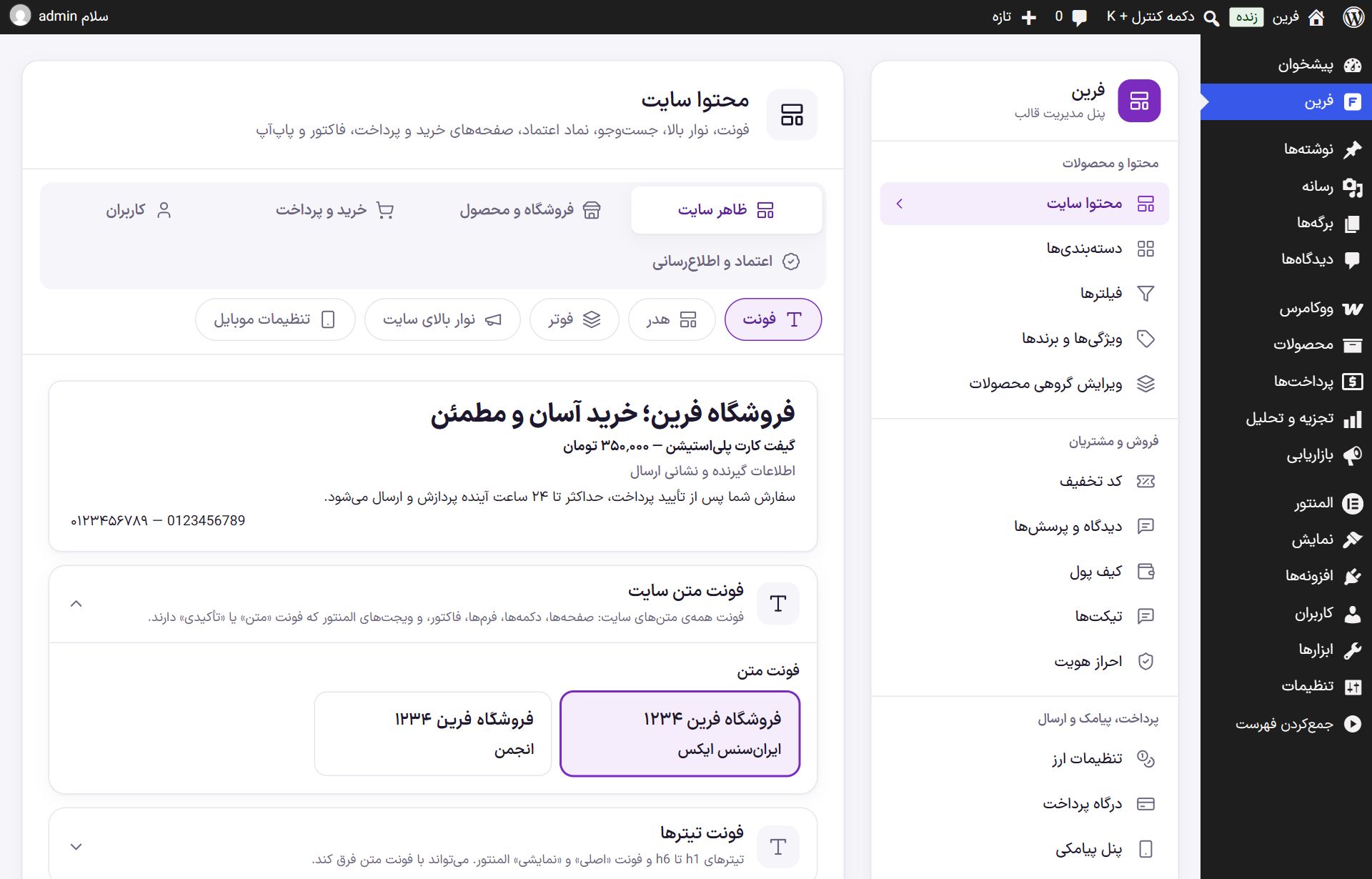
Once the theme is active, a “Farin” menu is added to the dashboard. The panel has two columns: the section list at the side and the section's content in the middle. Each section has several tabs and changes are saved at once.
After installing
- Site identity. Write the name, logo and contact details in Site Identity .
- Payment gateway. Connect at least one gateway in Payment gateway .
- SMS panel. Buyers log in with an SMS code; connect the SMS Panel .
- Shipping. Shipping methods and costs in Shipping.
- Home page. With Elementor Widgets Build it.
Frequently Asked Questions
The message “Requires PHP 8.1” appears.
The host's PHP version is old. In the host control panel (cPanel, DirectAdmin or CloudPanel) change the PHP version to 8.1 or newer, or ask host support.
I don't see the Farin menu.
Either the theme is not active, or you logged in with an account that is not the main administrator. A shop manager sees only the sections opened for them in Access .
Farin Theme · 1405