

Guides / Site content
Site content
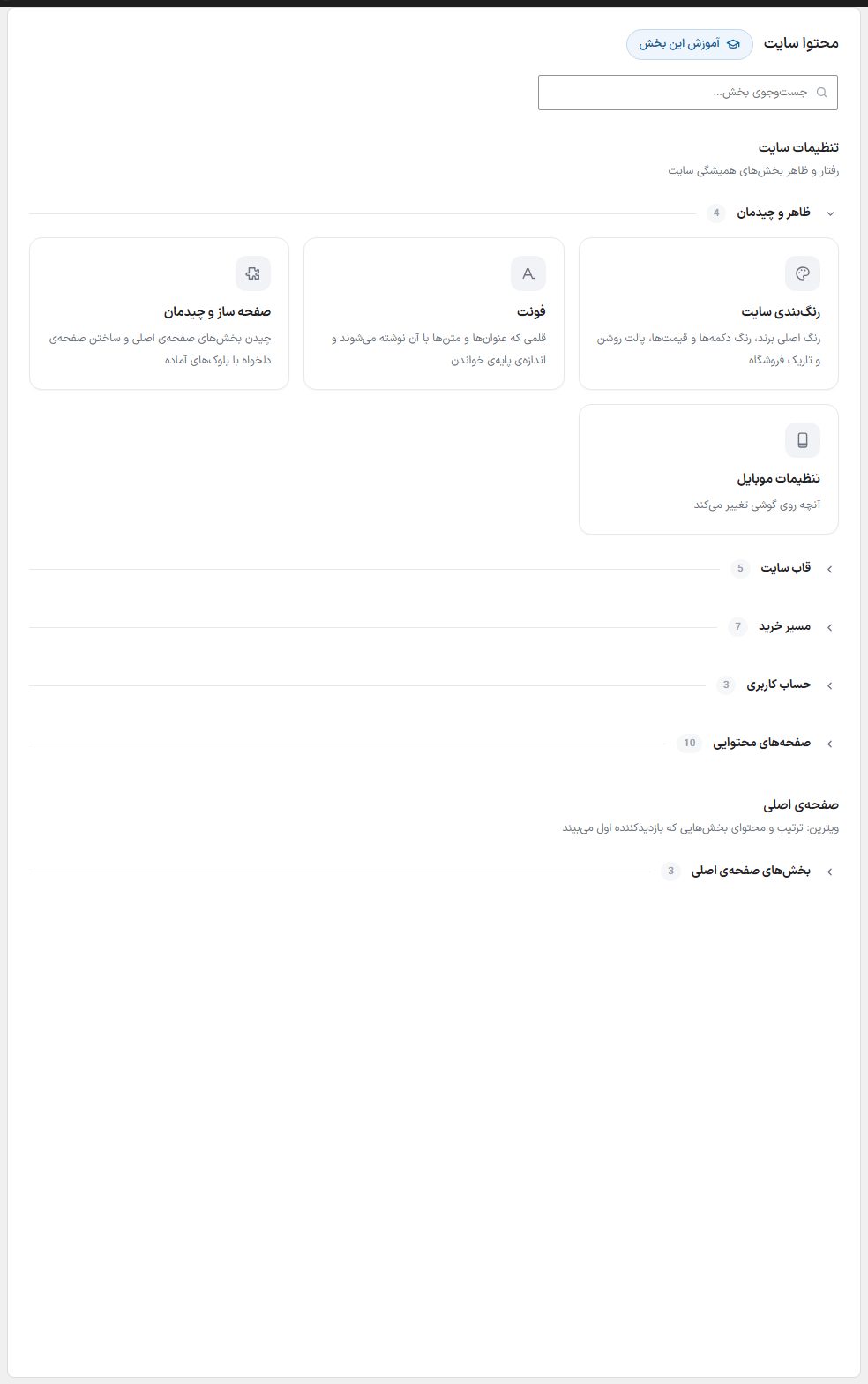
"Site content" is the home for setting your store's look and texts: color and font, header and footer, the product and cart pages, info pages, and home page sections. Each card opens a section.
Where is it? Rafina Panel → Site content
Working with this page
- Groups: The cards come under two headings: "Site settings" (behavior and look of the permanent parts of the site) with five groups, "Look and layout", "Site frame", "Purchase path", "User account", and "Content pages"; and "Home page" (the showcase: the order and content of the sections the visitor sees first) with the "Home page sections" group. Click a group's name to open or close its cards; the number beside the name is the count of cards.
- Search sections: In the "Search sections…" box, type a section's name to keep only matching cards.
- Opening a section: Click the card. At the top of each section, the "All sections" button returns you to this list.
- This section's guide: The button beside the "Site content" title opens the guide for the currently open section in a new tab.
All sections
Click any card to open that section's guide.
Look and layout
Site color schemeMain brand color, the color of buttons and prices, the store's light and dark palette
FontThe typeface the headings and texts are written in and the base reading size
Page builder and layoutArranging the home page sections and building a custom page with ready-made blocks
Mobile SettingsWhat changes on a phone
Site frame
Top BarAnnouncement, contact number, and links of the thin bar above the header
HeaderThe main menu, the logo spot, and what is seen at the top of every page
FooterThe columns at the bottom of the site with address, social networks, and copyright text
SearchInstant suggestions, the phrases you want to be seen, and how results are displayed
eNamadThe electronic badge code and the dedicated page that shows the badges side by side
Checkout path
StoreThe product grid, the filters beside it, and the order the visitor sees first
Product PageThe order of the gallery, specifications, reviews, and the related products beneath them
CartCart layout: coupon box, shipping cost estimate, and the last purchase nudge
Pre-Payment PageOrder review step: confirming the address, payment method, and wallet
Post-Payment PageThe text the customer sees after a transaction succeeds, fails, or is canceled
InvoiceLetterhead, store stamp, and the footer texts of the order invoice
Shipping LabelPrint size, logo, and what goes on the parcel's shipping label
User account
Login PageThe layout, color, and texts the user sees when logging in or signing up
User PanelThe customer account sections and the look of its side menu
Smart supportButton color and position, social networks, support agent name, and ready-made chat questions
Content pages
Article pageInformation at the top of an article, text style, and readers' comments section
About usStore intro, numbers, story, values, and social responsibility
Contact usContact methods, contact form, and the store address map
FAQAccordion questions and answers, with images and categories
Buying guideThe steps of placing an order and ways to pay, with an image for each step
Usage guideA guide to working with each item after delivery, separate for each category
ReturnsThe steps for returning goods and the conditions for refunds
Shipping termsShipping methods, delivery time, and the cost of each
Site termsTerms, privacy, and the sentence that comes at the bottom of the login page
404 pageThe non-existent address page: text, color, and the back button
Home page — home page sections
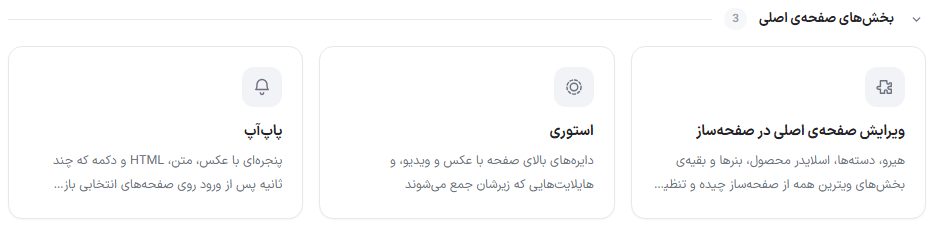
Editing the home page in the page builderThe hero, categories, product slider, banners, and the other showcase sections are all arranged and set from the page builder.
StoriesThe circles at the top of the page with photos and video, and the highlights that gather beneath them
PopupA window with an image, text, HTML, and a button that opens a few seconds after entry on selected pages
NoteThe Hero slider, 2-piece banner, puzzle banner, and the other showcase sections of the home page have no card in "Site content"; these are Page builderelements, and each one gets its own slides or images in the window on that element, inside the page builder editor. In this group only "Story" and "Popup" have separate settings.