

Contact us
You build the /contact You set this up here: phone number, email and address, social networks, the message form, and a few FAQs under the form.
Where is it? Rafina Panel → Site content → Contact us
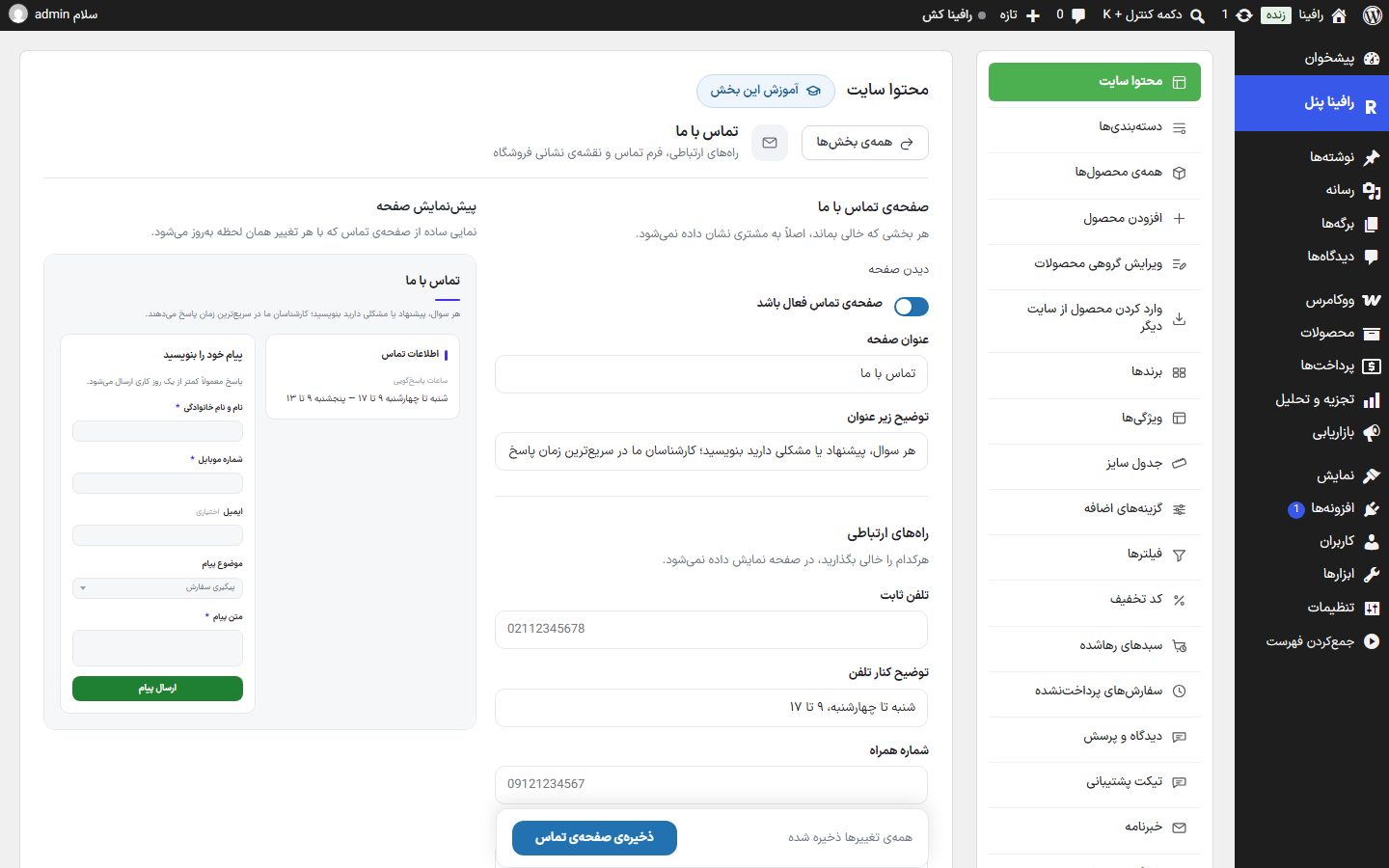
Contact us page
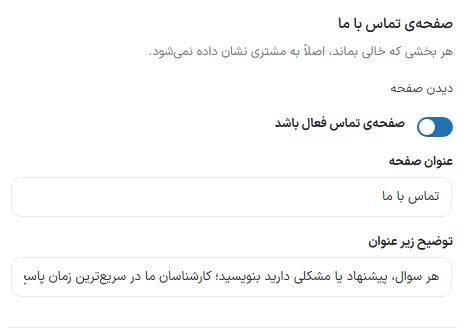
| Option | What it does | Default |
|---|---|---|
| Contact page enabled | Turns the whole page on and off. | On |
| Page title | The title at the top of the page. | Contact us |
| Description under the title | The sentence under the title. | Write any question, suggestion, or problem you have; … |
| View page | A link that opens the contact page on the site. | — |
Contact channels
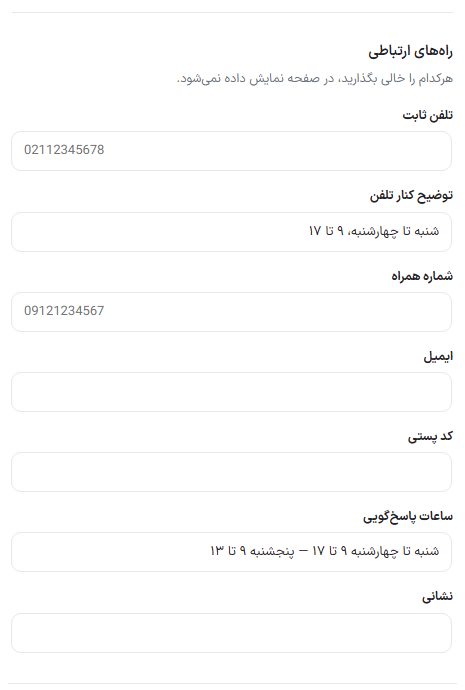
| Option | What it does | Default |
|---|---|---|
| Landline | The landline number; on a phone, tapping it dials the number. | Empty |
| Landline note | A short phrase beside the phone, such as response days. | Saturday to Wednesday, 9 to 17 |
| Mobile number | The support mobile number. | Empty |
| The support email address. | Empty | |
| Postal code | The store's postal code, beside the address. | Empty |
| Response hours | Working days and hours. | Saturday to Wednesday 9 to 17 — Thursday 9 to 13 |
| Address | The store's postal address. | Empty |
Social networks
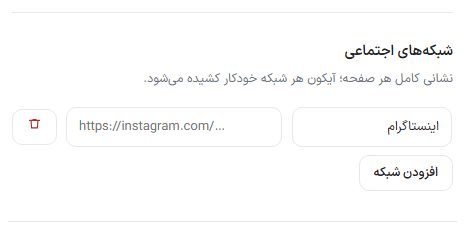
Each row is one network. Choose one from the "Network" list (Instagram, Telegram, WhatsApp, X (Twitter), YouTube, LinkedIn, Aparat, Rubika, Eitaa, Bale, Soroush, iGap) and put the full link of your page in "Page address". Each network's icon is pulled in automatically. Remove a row with the "Delete" button.
Map
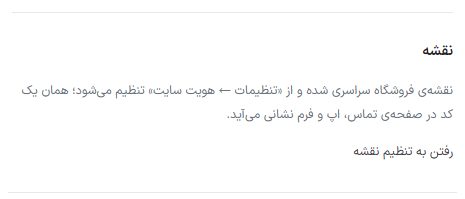
The store map is not set in this tab; there is one global map in Settings ← Site identity ← Store map and the same code appears on the contact page, the app, and the address form. The "Go to map settings" button opens that place.
Contact form
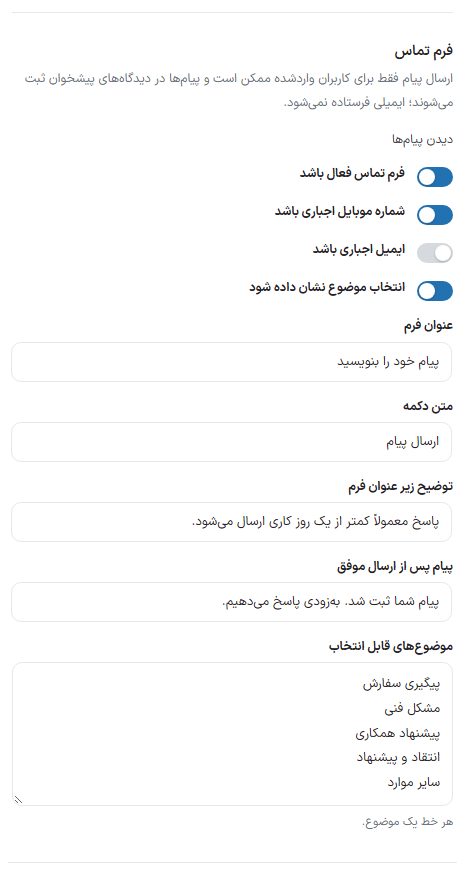
| Option | What it does | Default |
|---|---|---|
| Contact form enabled | Whether the message form appears on the page or not. | On |
| Mobile number required | Without a number, the message is not sent. | On |
| Email required | Without an email, the message is not sent. When turned off, the box is labeled "optional". | Off |
| Show subject selection | The "Message subject" dropdown in the form. | On |
| Form title | The title of the form box. | Write your message |
| Button text | The text of the submit button. | Send message |
| Description under form title | The small sentence under the form title. | Replies are usually sent in less than one business day. |
| Message after successful submission | The message seen after sending. | Your message has been recorded. We will reply soon. |
| Selectable subjects | Each line is one subject for the "Message subject" list (only when subject selection is on). | Order follow-up, Technical issue, Partnership proposal, Feedback and suggestions, Other |
Frequently asked questions
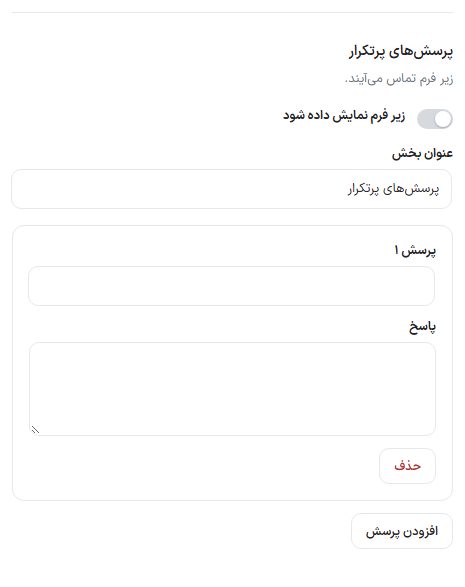
| Option | What it does | Default |
|---|---|---|
| Show under the form | A few short questions and answers under the contact form. | Off |
| Section title | The title of this section. | Frequently asked questions |
| Question / Answer | Each row is one question and its answer; "Add question" creates a new row and "Delete" removes it. | No rows |
For the full Q&A page with categories, go to FAQ .
Preview and on the site
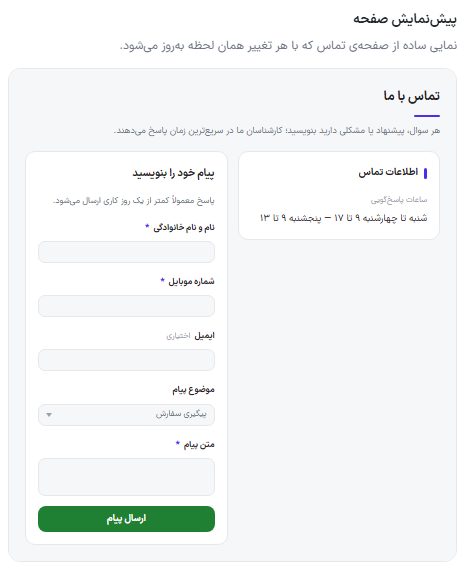
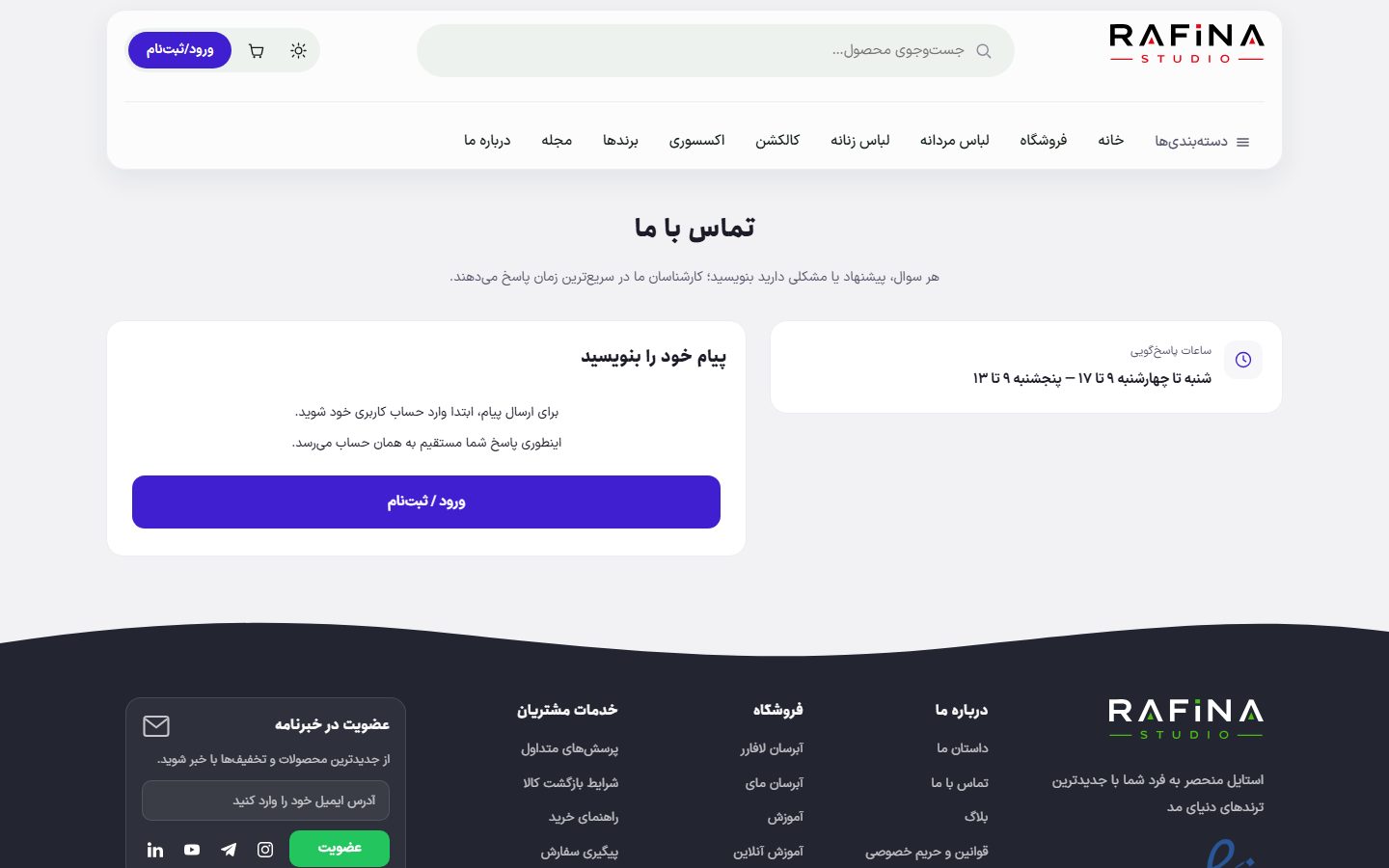
/contact On the site.FAQ and troubleshooting
A customer sent a message but I did not get an email.
Correct; messages are not emailed. Find them in the WordPress dashboard's "Comments" or in the contact messages tab in Comments and questions .
Guests cannot see the form.
The form is only for logged-in users; a guest sees a message inviting them to log in.