

Guides / Site content / 404 page
404 page
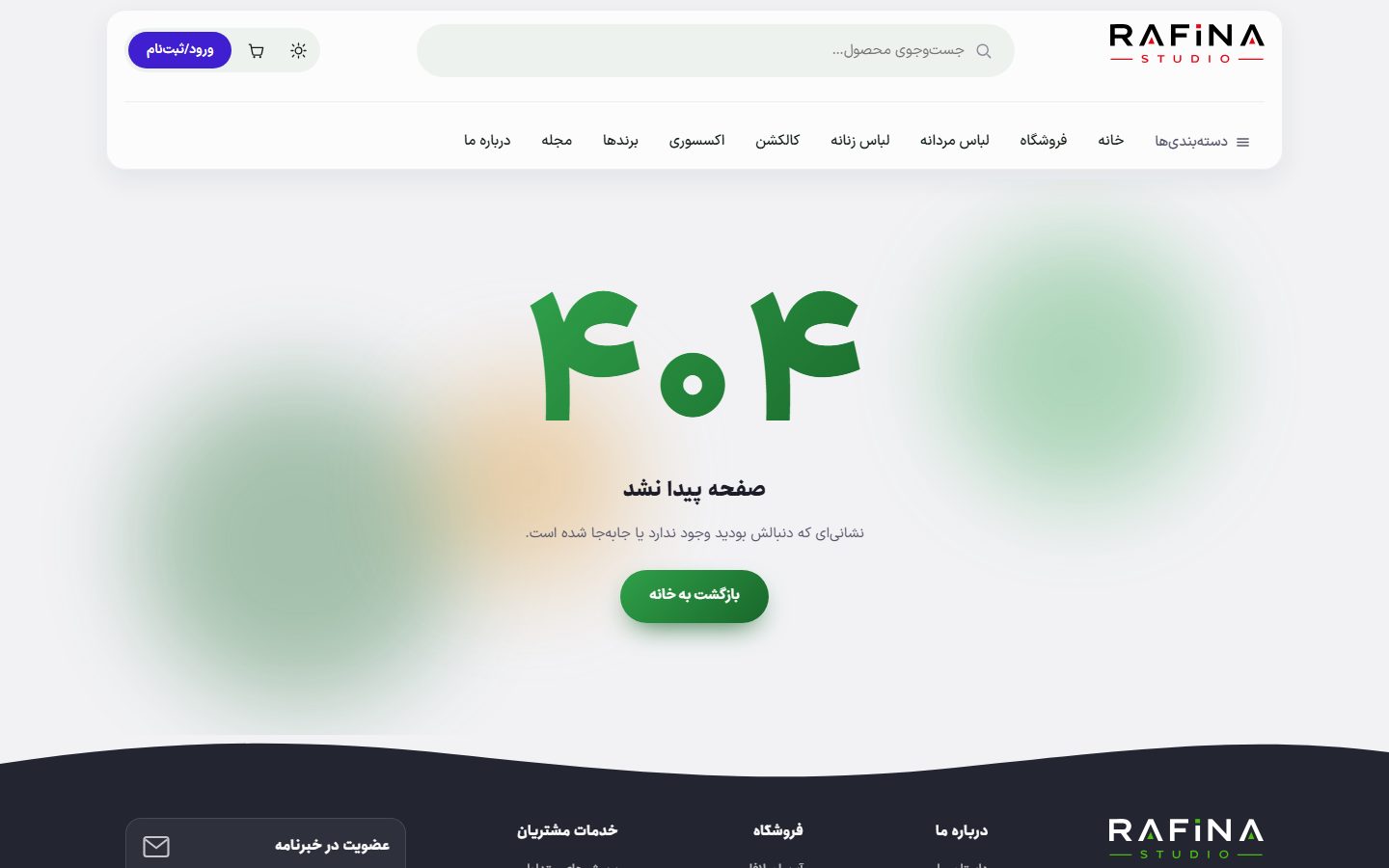
When someone opens an address that does not exist, instead of being bounced to the home page, they see a good-looking page with a correct 404 status; this is better for search engines too. The page's design and text are set here.
Where is it? Rafina Panel → Site content → 404 page
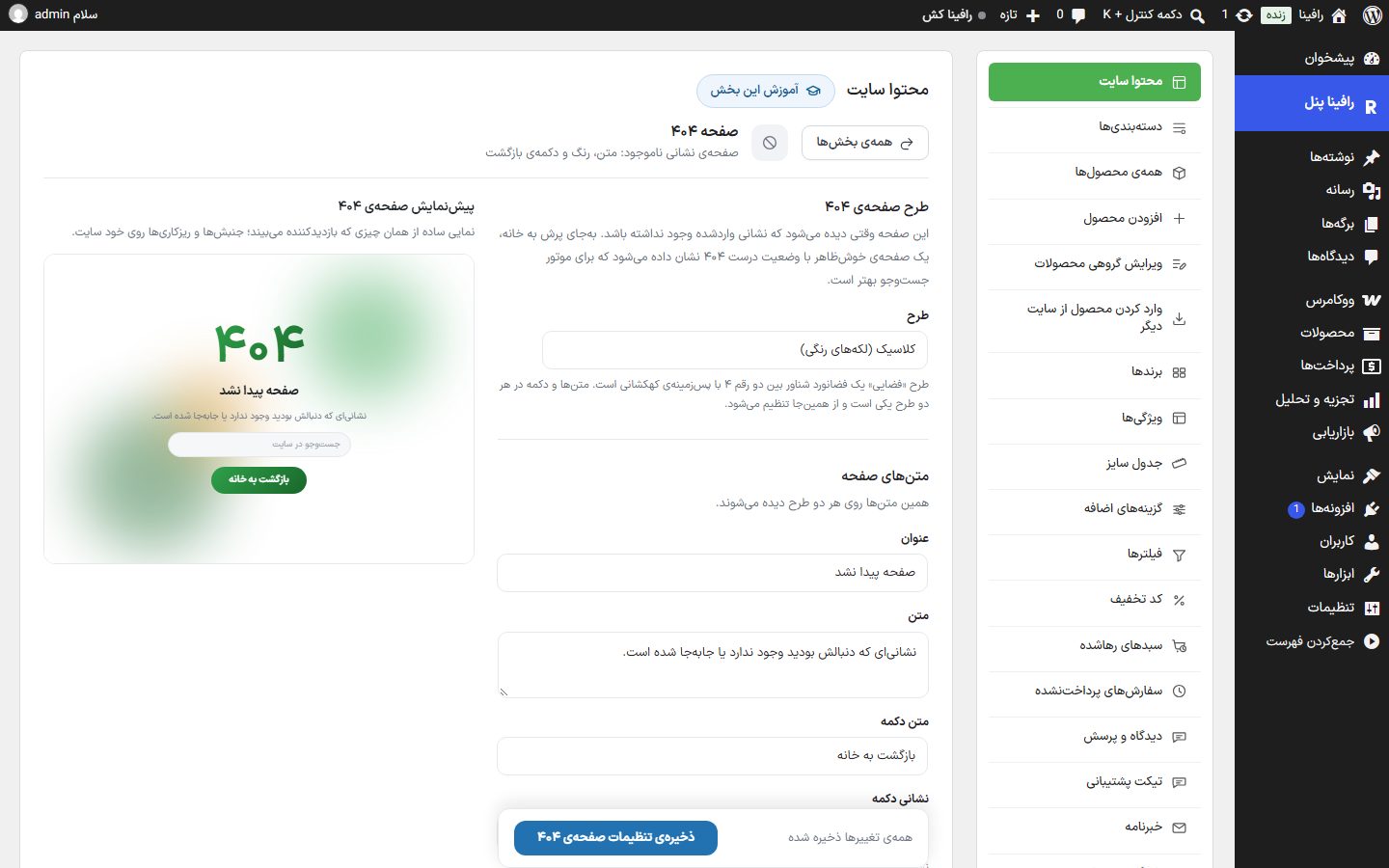
Layout
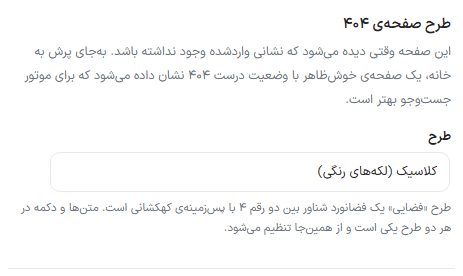
| Option | What it does | Default |
|---|---|---|
| Classic (color blobs) | A large 404 number with faded color blobs behind it. | Selected |
| Space (lost astronaut) | A floating astronaut between the two 4 digits with a galaxy background. | — |
The texts and button are the same in both designs. The page colors come from Site color scheme and are only read here for the preview.
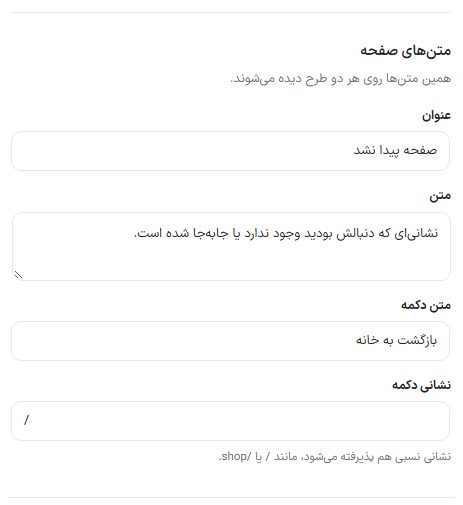
Page texts
| Option | What it does | Default |
|---|---|---|
| Title | The title under the 404 number. | Page not found |
| Text | The explanatory sentence under the title. | The address you were looking for does not exist or has moved. |
| Button text | The button text. | Back to home |
| Button address | Where the button goes. A relative address is also accepted, such as / or /shop. | / |
Options
| Option | What it does | Default |
|---|---|---|
| Show the search box on this page | Someone who reached a wrong address searches for what they wanted without leaving the page. | On |
Preview and on the site
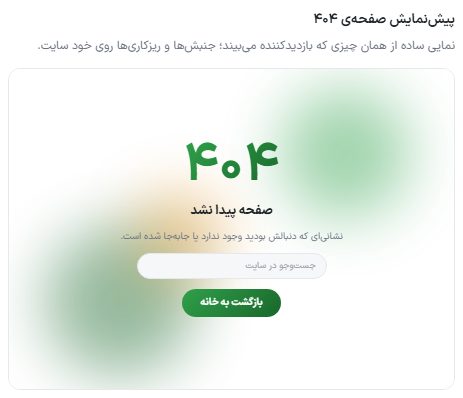
- Choose the design and write the texts.
- Click "Save 404 page settings".
- To see the result, open a made-up address on the site such as
/abc-test.