

About us
You build the /about page from here: store introduction, numbers you are proud of, the story of how you started, values, and a closing box inviting people to buy or get in touch.
Where is it? Rafina Panel → Site content → About us
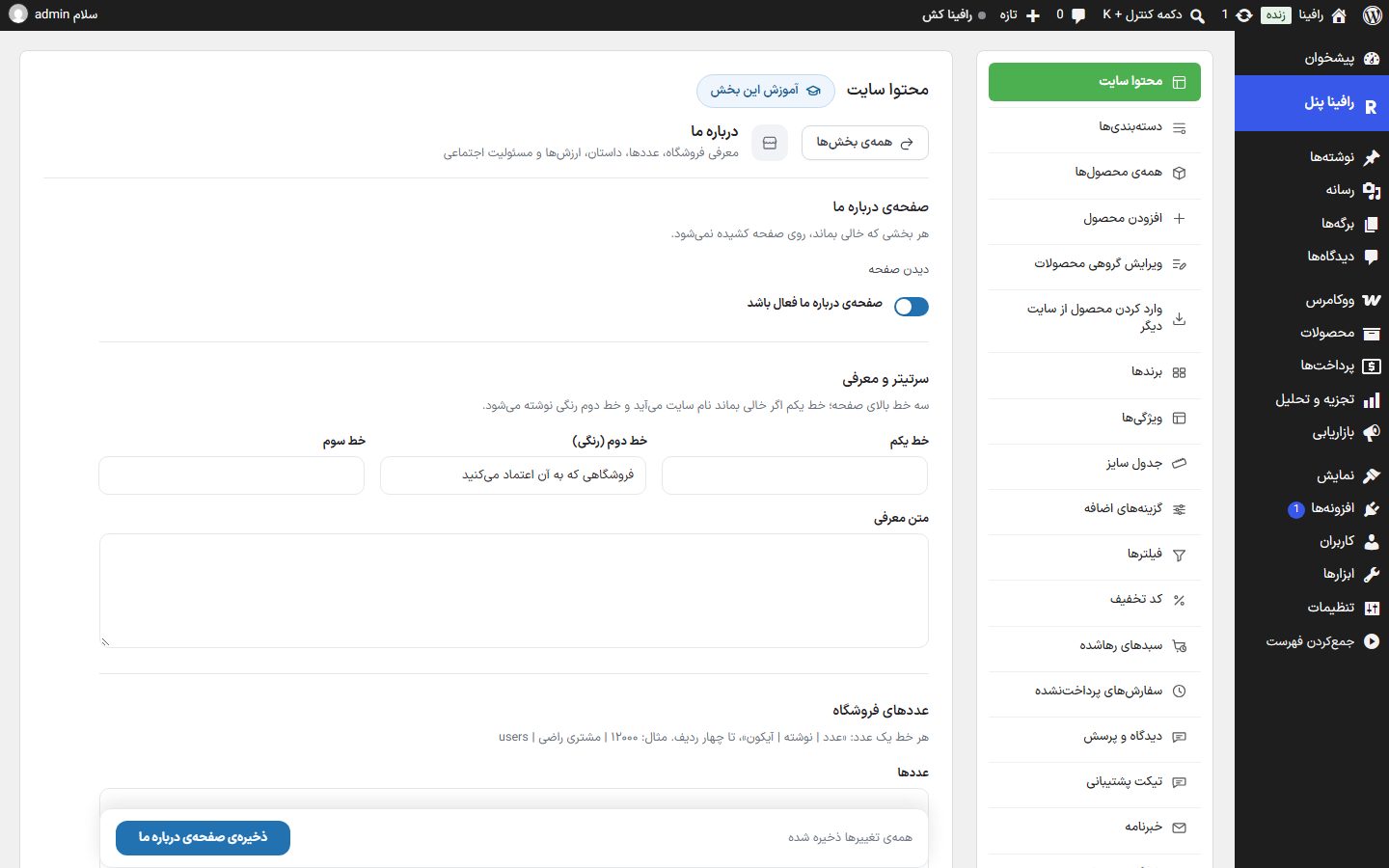
Setup
- Keep the "About us page enabled" switch on (it is on by default). When off, the address
/aboutgives a "Not found" page. - Write the three headline lines and the introduction text.
- Fill the sections you need and leave the rest empty.
- Click "Save About us page" and see the result with "View page".
Headline and introduction
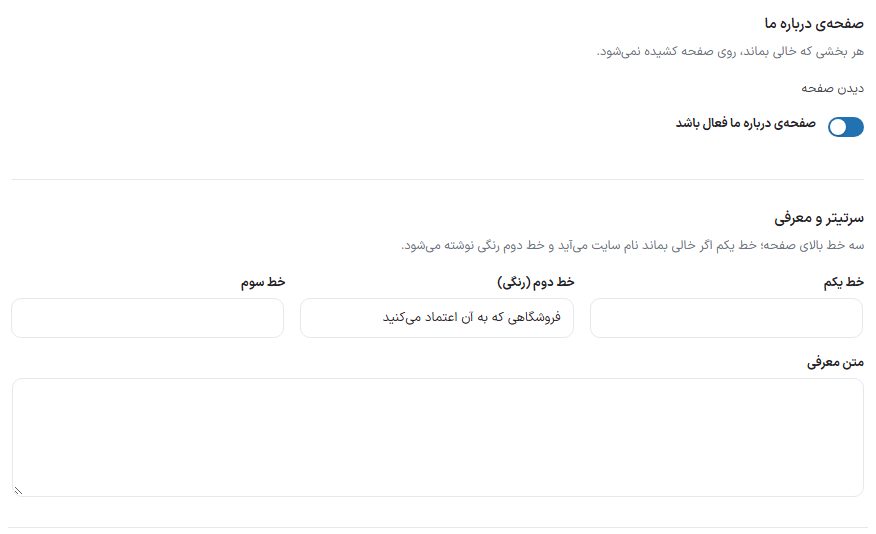
| Option | What it does | Default |
|---|---|---|
| About us page enabled | Turns the whole page on and off. | On |
| Line one | The first headline line. If left empty, the site name appears. | Empty (site name) |
| Line two (colored) | The second line, written in the site's primary color. | A store you can trust |
| Line three | The third headline line. | Empty |
| Introduction text | The paragraph under the headline. | Empty |
Store numbers
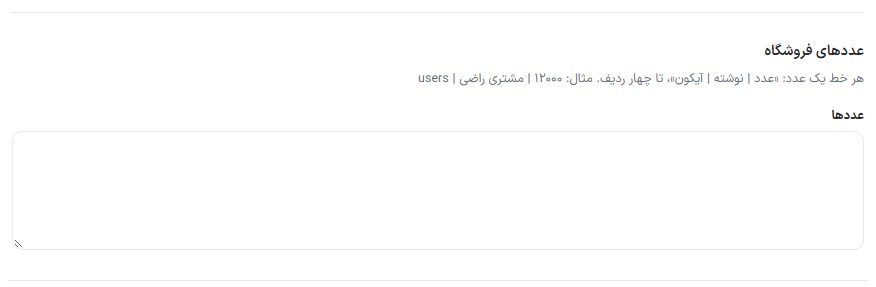
Each line makes a number card and has three parts separated by a vertical bar (|): the number, the text under it, and the icon name. Up to four lines are accepted. Example:
12000 | Happy customers | users
The icon name is one of the names in the theme's icon library (like users, shield, truck). If you leave out the icon, the card is built without one.
Our story
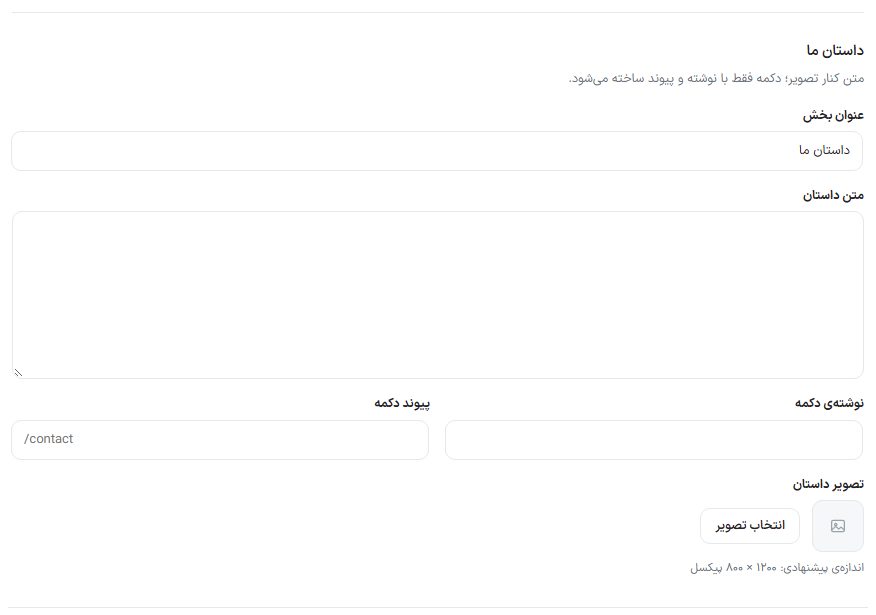
| Option | What it does | Default |
|---|---|---|
| Section title | The section heading. | Our story |
| Story text | The text beside the image. | Empty |
| Button text | The text on the button below the text. | Empty |
| Button link | The address the button goes to. The button is built only when it has both text and a link. | Empty |
| Story image | The image beside the text. Suggested size: 1200 × 800 pixels. | No image |
Our values
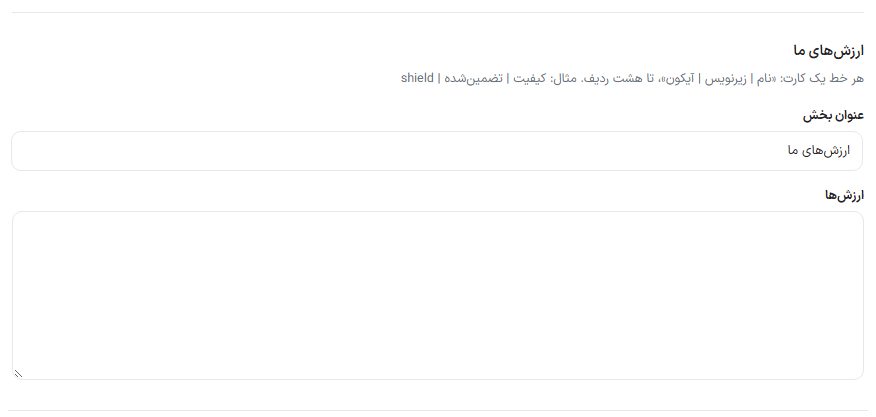
| Option | What it does | Default |
|---|---|---|
| Section title | The heading of the values section. | Our values |
| Values | One card per line: "Name | Subtitle | Icon", up to eight lines. Example: Quality | Guaranteed | shield | Empty |
Social responsibility
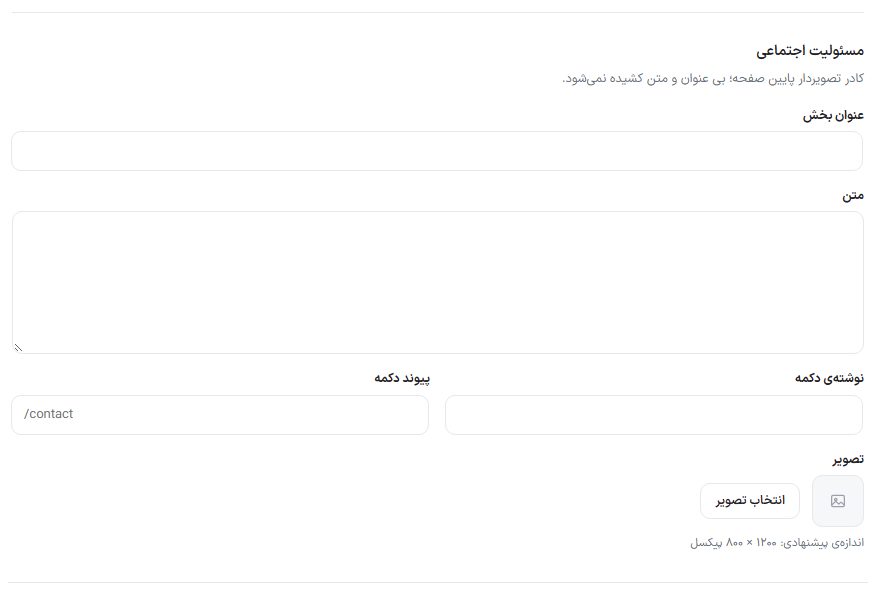
A box with no title or text is not drawn at all. Fields: "Section title", "Text", "Button text", "Button link", and "Image" (suggested size 1200 × 800 pixels). Like the story, the button is built only with text and a link.
Closing box
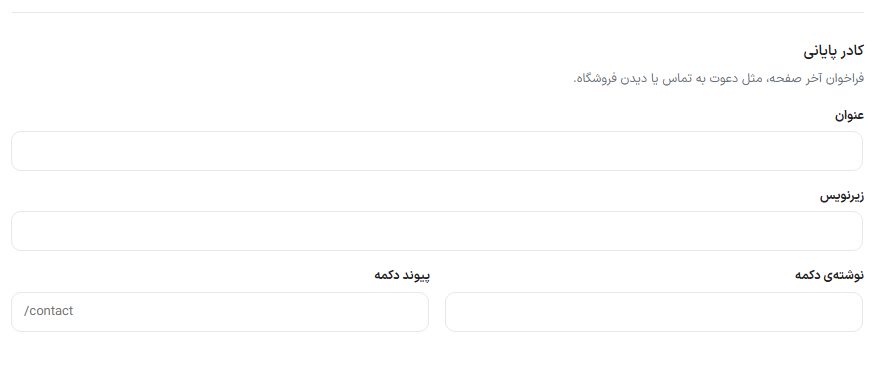
The last box of the page, for example inviting people to get in touch or view the store: "Title", "Subtitle", "Button text", and "Button link". If left empty, it is not built.
On the site
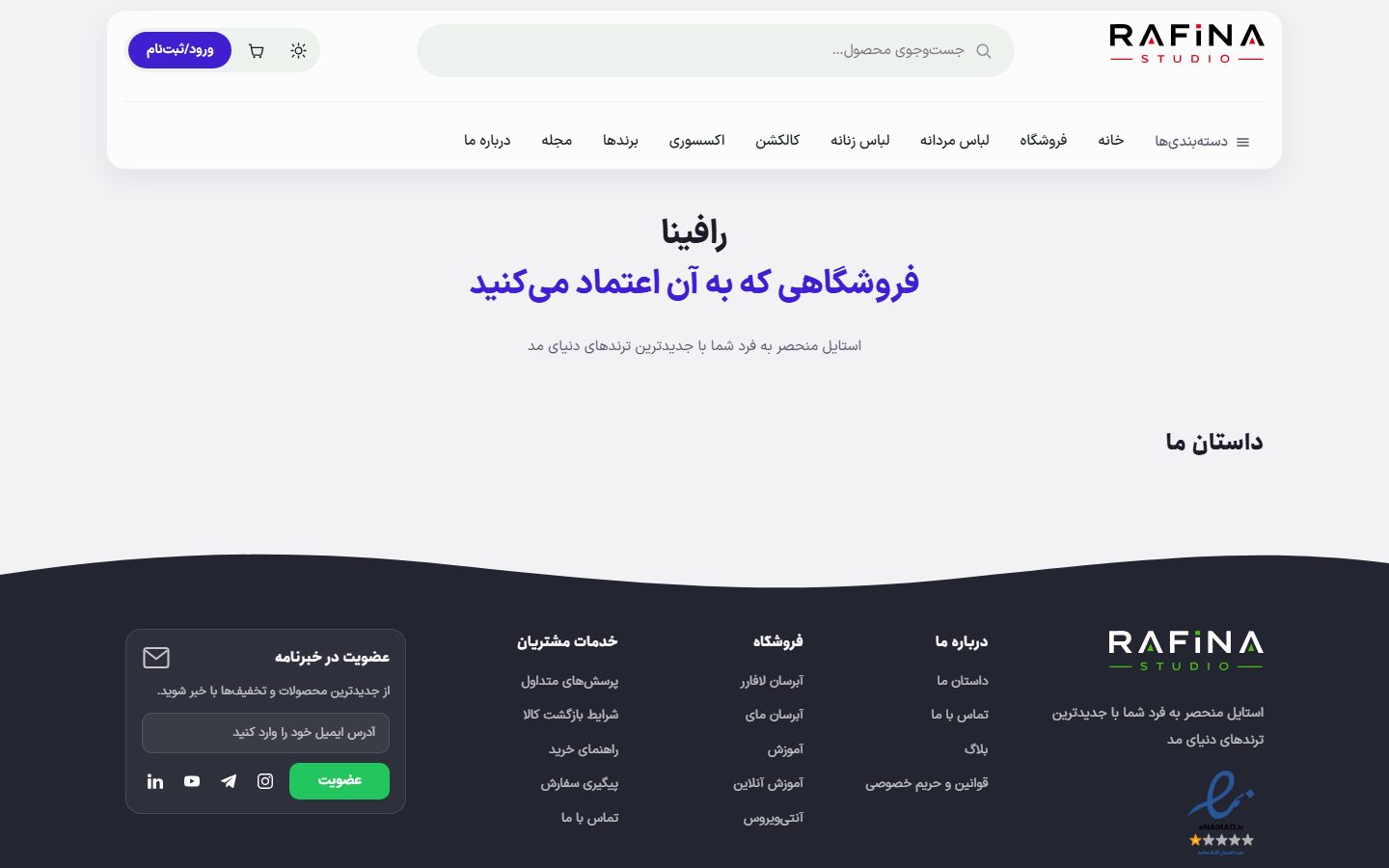
/about With the default headline; unfilled sections are not shown.