

Comments and questions
All product reviews, buyers’ questions and “Contact us” form messages are gathered in one page so you can approve, reply or delete.
Where is it? Rafina Panel → Comments and questions
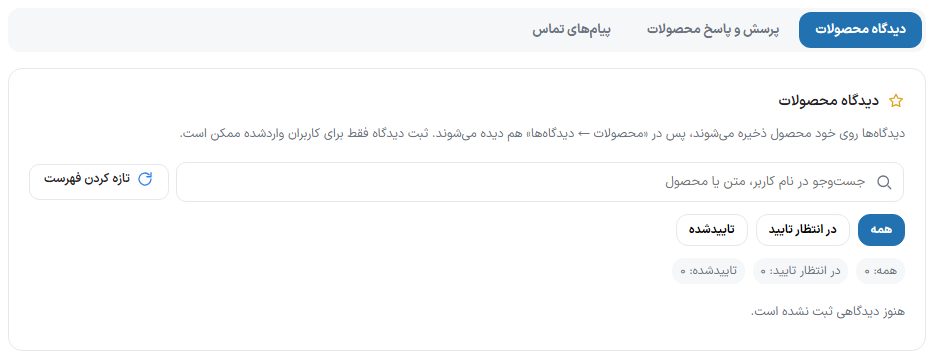
The page has three tabs: Product comments, Product Q&A and Contact messages. All three work on top of WooCommerce; until WooCommerce is active, the message “WooCommerce is not active” appears.
The Product reviews tab
Reviews are stored on the product itself, so they also appear in WordPress “Products ← Reviews”. When no review has come in yet, the message “No reviews have been submitted yet.” appears.
| Option | What it does |
|---|---|
| Search by user name, text or product | Limits the list to reviews where the author’s name, text or product name matches the phrase. The clear-search button brings back the full list. |
| All / Pending approval / Approved | The status filter. The count of each status is written under the buttons. |
| Refresh list | Re-reads the list from the server. |
| Review row | Author name, “Buyer” badge (if they bought this item), status, date and product name. Clicking the arrow beside the row opens the full text, star rating and action buttons. |
| Approve / Unapprove | An approved review is visible on the product page. |
| Store reply and submit reply | Your reply appears under that review on the site. Earlier replies are shown in “Submitted replies”. |
| Spam | Moves the review to spam (after confirmation). |
| Delete | After confirming “Delete this item?”, the review is deleted. |
The Product Q&A tab
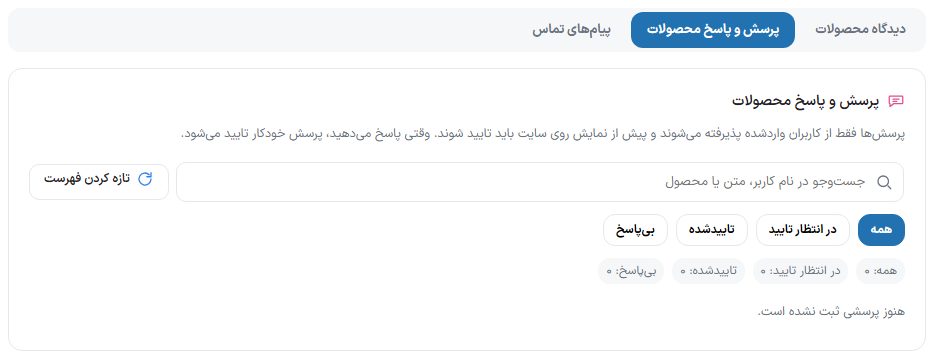
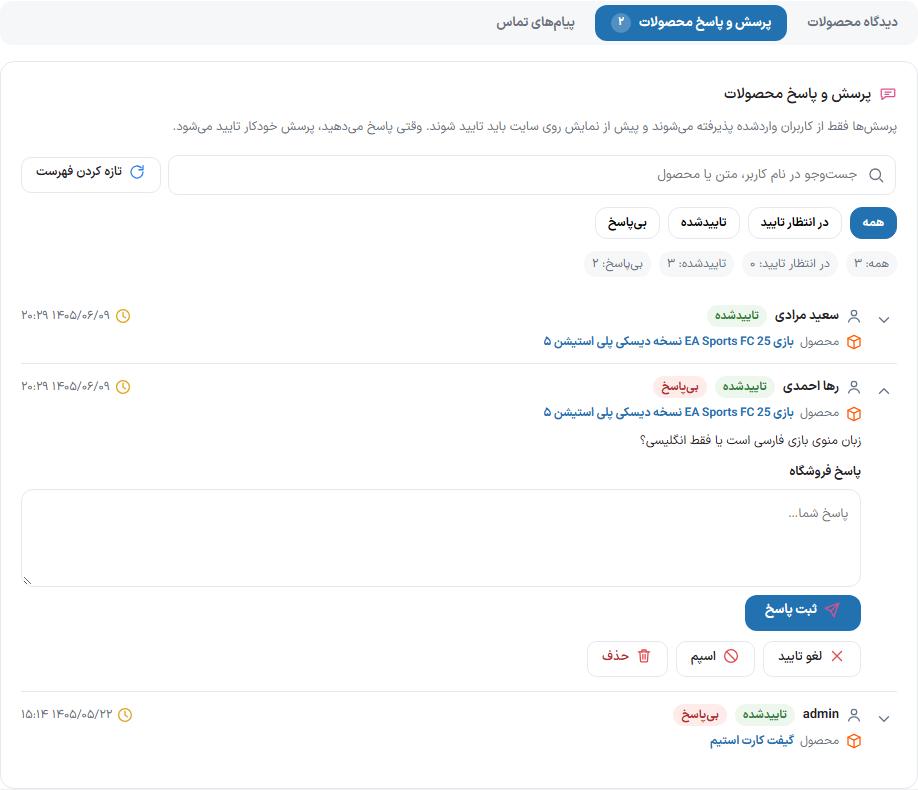
Questions are accepted only from logged-in users and must be approved before they appear on the site. When you answer, the question is approved automatically.
- The filters are like the Reviews tab, plus “Unanswered”, which separates unanswered questions.
- Write the reply in the “Your reply…” box and click “Submit reply”. An empty box gives the message “Write the reply text.”
- The “Approve”/“Unapprove”, “Spam” and “Delete” buttons do the same as in the Reviews tab.
The Contact messages tab
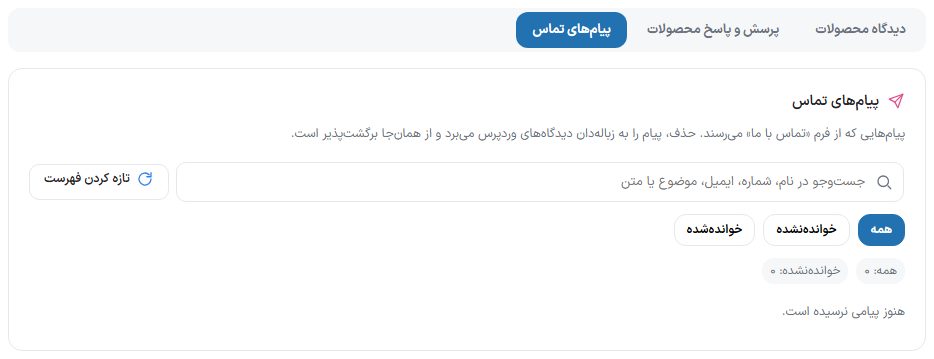
| Option | What it does |
|---|---|
| Search by name, number, email, subject or text | Finds the message you want. |
| All / Unread / Read | The read-state filter. The counts of “All” and “Unread” are written under the buttons. |
| Message row | Sender name, “Subject” (or “No subject”), “Mobile”, “Email” and text. |
| Mark read / Back to unread | Changes the read state for your own follow-up. |
| Refresh list | Re-reads the messages list from the server. |
| Delete | Moves the message to the WordPress comments trash, from where it can be restored. |
Frequently Asked Questions
How do I let guests leave reviews too?
The guide text above the Reviews tab says reviews can be submitted only by logged-in users; this is the default. Guest review permission, the time gap between two reviews, the text length cap and the link block are in “Settings ← Site identity ← Reviews”. Settings guide
What does the “Buyer” badge mean?
The review’s author bought this item from the store.
Does a review earn Customer Club points?
If you set points for “Product review” in the Customer Club, once a review on an item they bought is approved, they earn points once per item. Customer Club guide