

Newsletter
Anyone who enters an email or mobile number in the footer newsletter form, the page builder newsletter block, or the “Coming soon” page is added to this list. From this same page you turn on the welcome message and send messages to all members.
Where is it? Rafina Panel → Newsletter
Newsletter members
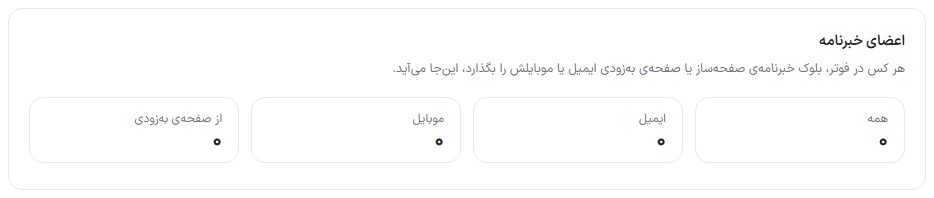
Four counters at the top of the page: “All”, “Email”, “Mobile”, and “From the coming soon page”. The site’s forms accept both types: an address with “@” counts as email and anything else as a mobile number.
Templates
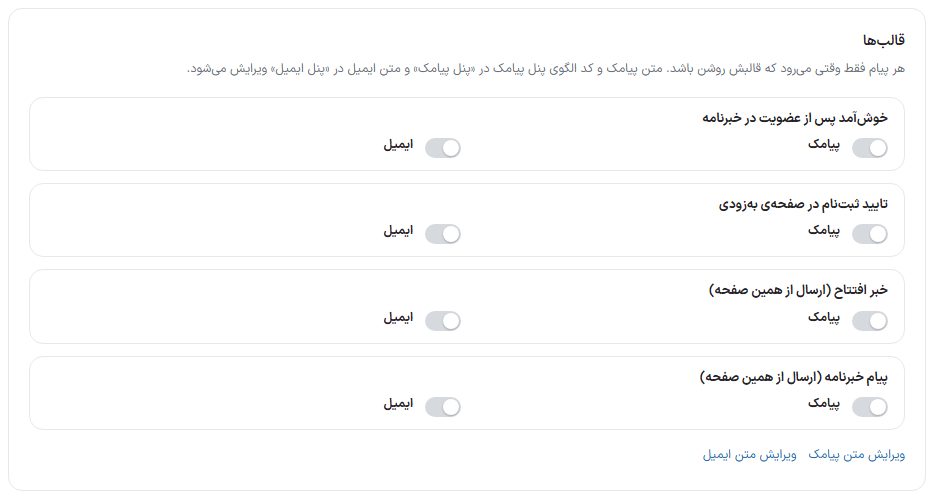
| Event | When it is sent | Default |
|---|---|---|
| Welcome after joining the newsletter | Immediately after joining from the footer or a page builder block. | Both off |
| Sign-up confirmation on the coming soon page | When a visitor signs up on the “Coming soon” page. | Both off |
| Opening news (sent from this page) | Only when you send it yourself from the “Send message to members” box. | Both off |
| Newsletter message (sent from this page) | Only when you send it yourself from the “Send message to members” box. | Both off |
Each event has two switches: “SMS” (for members who gave a mobile number) and “Email” (for members who gave an email). The SMS text and SMS panel template code are edited in the “SMS Panel” and the email text in the “Email Panel”; the “Edit SMS text” and “Edit email text” links at the bottom of the box take you there. SMS panel · Email panel
Send message to members
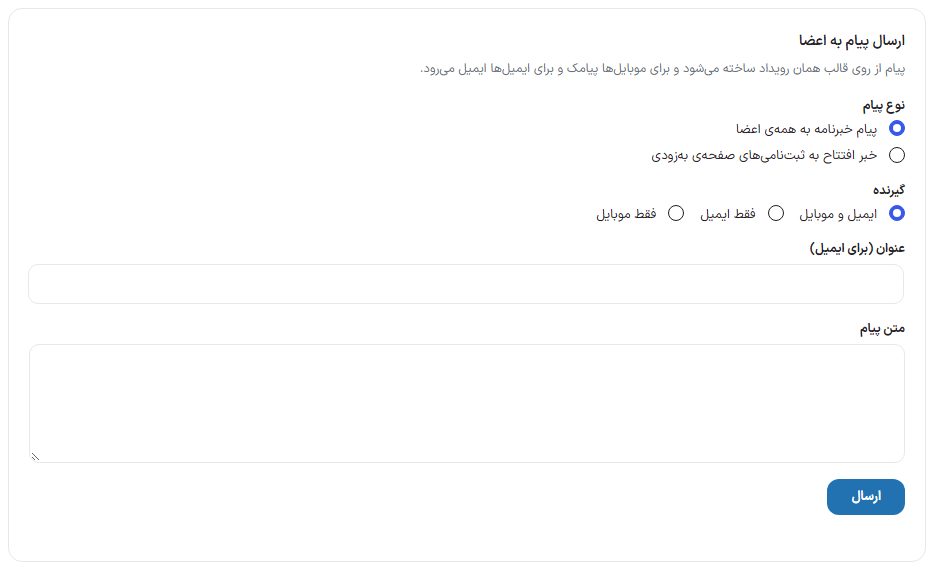
| Option | What it does |
|---|---|
| Message type | “Newsletter message to all members” or “Opening news to coming soon page sign-ups”. |
| Recipient | “Email and mobile”, “Email only”, or “Mobile only”. |
| Title (for email) | The subject of the email being sent. |
| Message text | The text that goes inside the event template. |
| Send | The message is sent to members: mobile numbers get an SMS and emails get an email. Sending is done in chunks and a progress counter appears; don’t close the page until it finishes. |
- In the “Templates” box turn on the SMS and/or email switch of the “Newsletter message” event.
- In “Send message to members” choose the message type and recipient.
- Write the title and text and click “Send”.
- When finished, the count of messages sent and not sent is reported.
Members list
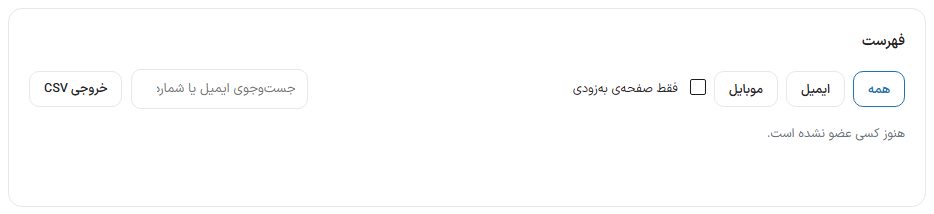
- Filters: “All”, “Email”, “Mobile”, and “Coming soon page only”.
- Search email or number: Finds a specific member.
- Delete: Removes the member from the list.
- CSV export: Downloads the list for use in another program or as a backup.
FAQ and troubleshooting
The welcome message isn’t sent.
Newsletter templates are off by default. Turn on that event’s switch in the “Templates” box. For SMS, the SMS panel must be set up, and for email, the SMTP settings of the Email panel.
Where are the coming soon page sign-ups?
In this same list, with the “Coming soon page only” filter. After opening the site, notify them all with “Opening news”.