

Custom Code
The place for code you want to add to the site without touching theme files: one box for appearance (CSS) and three boxes for scripts. Whatever you write here stays in place through theme updates too.
Where is it? Rafina Panel → Settings → Custom Code
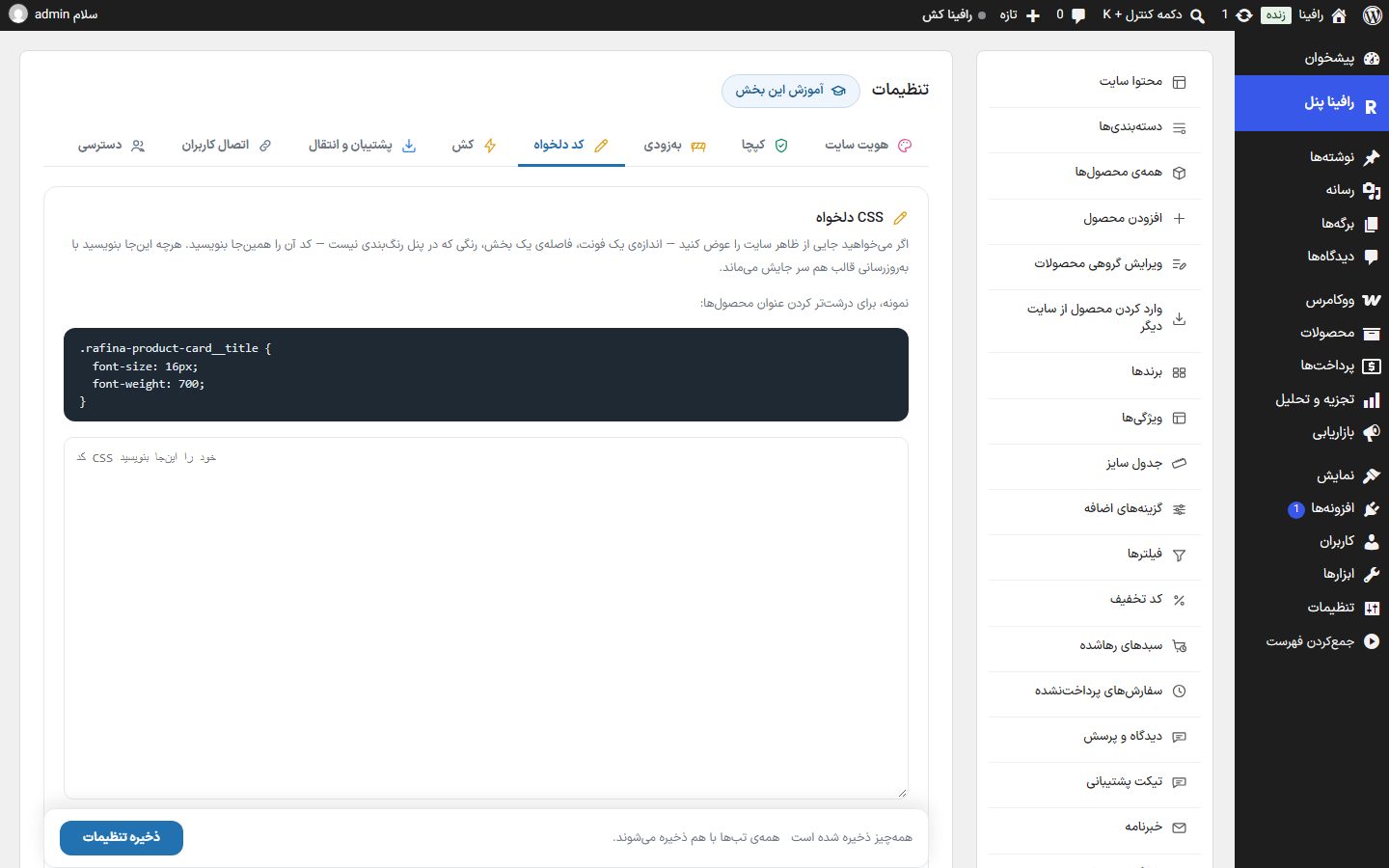
Custom CSS
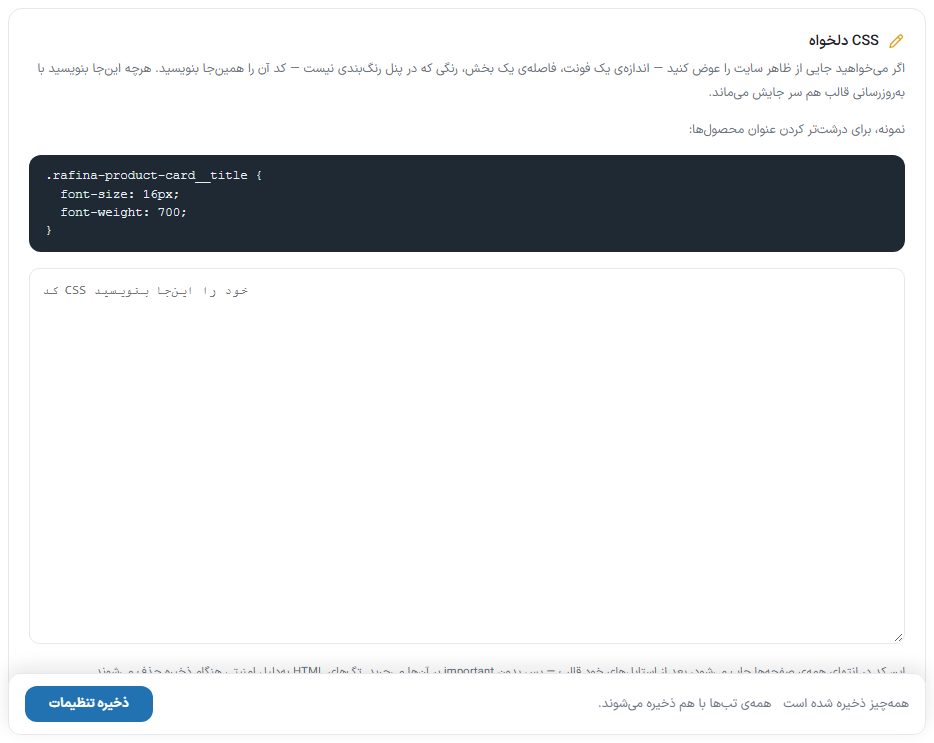
If you want to change something in the site's look (the size of a font, the spacing of a section, a color not in the color scheme), write the CSS here. Example, to enlarge product titles:
.rafina-product-card__title { font-size: 16px; font-weight: 700; }
- This code is printed at the end of all pages, after the theme's own styles, so even without
!importantit overrides them. - HTML tags are removed on save for security reasons; write CSS only.
- Maximum 60,000 characters.
Header and body code
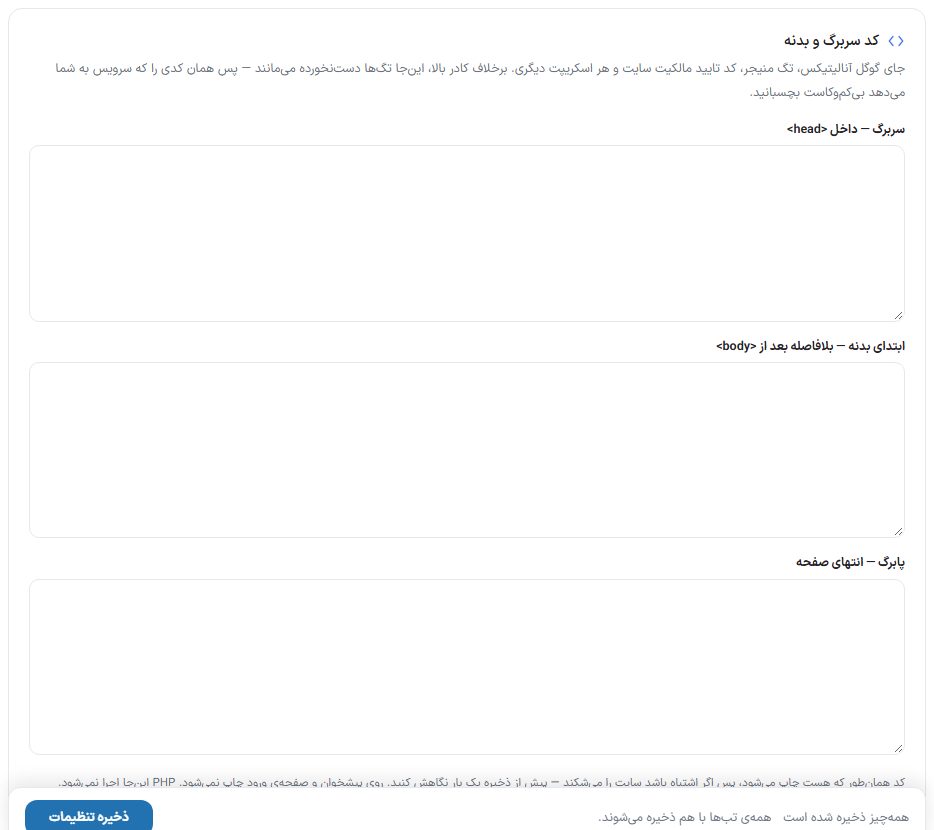
The place for Google Analytics, Tag Manager, the site ownership verification code and any other script. Unlike the CSS box, tags are left untouched here; paste exactly the code the service gave you.
| Option | Where it is printed |
|---|---|
| Header — inside <head> | The head section of the page; the place for the ownership verification code and most analytics scripts. |
| Start of body — right after <body> | The beginning of body; the place for Tag Manager's noscript section. |
| Footer — end of page | The end of the page; the place for scripts that must load last (such as live chat). |
FAQ and troubleshooting
I wrote the CSS but it has no effect.
Clear the cache from Settings ← Cache If it still has no effect, your selector doesn't match the element's class; find the right class with the browser's inspect tool (right-click ← Inspect).
Where do I put the Google Analytics code?
In “Header — inside <head>”.