

Guides / Page builder / 2-Piece Banner
2-Piece Banner element (puzzle banner)
Several banners that sit side by side on desktop and stacked on mobile, forming one frame with a small gap so the images look continuous. This section was previously called “Puzzle banner” and had a card in “Site content”; it is now the page builder’s “2-Piece Banner” element, and its pieces are added inside the element itself.
Where is it? Rafina Panel → Site content → Page builder and layout → Edit page → “2-Piece Banner” element (“Media” group)
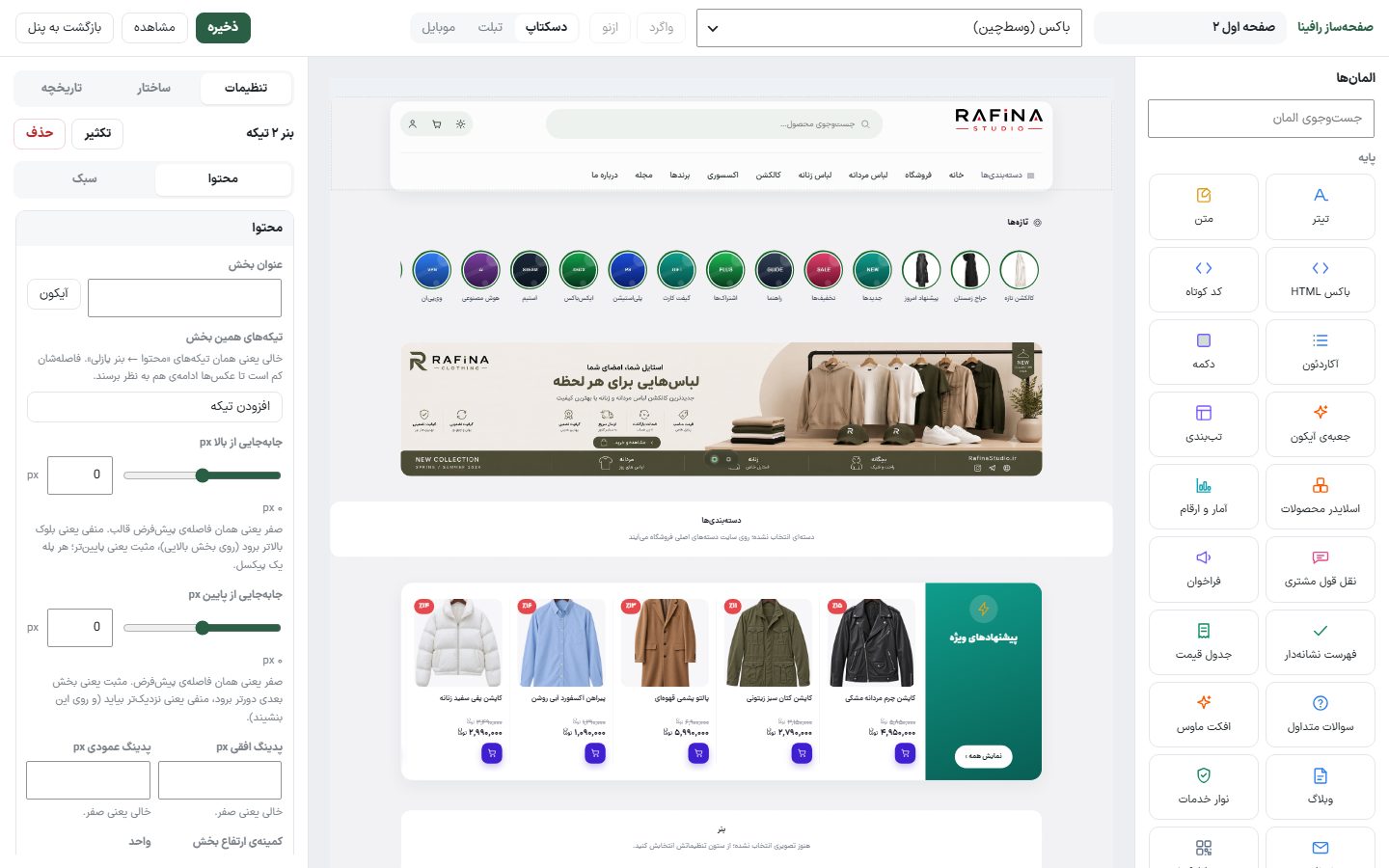
Setup
- Open the page in "Site content → Page builder and layout" with "Edit".
- From the “Elements” column, in the “Media” group, drag the “2-Piece Banner” element onto the canvas or click it. Don’t confuse it with “2-Piece Banner with text”; that one has a headline and button on each banner.
- In the settings column, click “Add piece” and fill in “Desktop image”, if needed “Mobile image (optional)”, and “Link” for each piece.
- The editor saves the page three seconds after each change; the top bar's "Save" button does the same.
Options
| Option | What it does | Default |
|---|---|---|
| Section title | The headline above the banners. The “Icon” button next to it places an icon inside the title. | — |
| Pieces of this section | Each row is one piece with “Desktop image”, “Mobile image (optional)”, and “Link”. A row with no image is not saved. | Empty |
| Width | In the "Style" tab: "Centered" aligns with the other sections, "Full width" goes to the edge of the screen. | Centered |
The recommended size of each piece is 1024 × 466 pixels (the same size is passed to AI image generation). Format: JPG, PNG, WebP, or SVG.
NoteIf the list of pieces for this section is left empty, the old global “Puzzle banner” pieces are shown, which no longer have a card in “Site content”. Add each section’s own pieces.